ComicWave keeps the multi-page comic book plan, generated panels and lettering as separate stages. You can review the structure before drawing and replace one weak result without discarding accepted work.
AI comic bookmaker.
ComicWave’s AI comic book maker turns a story into a reviewable multi-page project. Plan chapters and pages, approve reusable characters, generate panels separately, edit the lettering and export an ordered PDF or image set without flattening the production workflow too early.
Try it here
Fast Comic planning is free — you approve before anything is drawnComic book project specs
- Structure
- Project, chapters, pages and panels
- Cast
- Approved reusable character references
- Planning
- Page beats reviewed before drawing
- Lettering
- Editable balloons and captions
- Revision
- Panel-level versions and replacement
- Export
- Ordered images or reviewable PDF
What you get
See where a scene starts, turns and ends before paying to draw a long chapter.
Attach approved characters and locations to the pages where they appear.
Replace a weak frame while the rest of the accepted page stays intact.
Download numbered pages or a PDF after checking sequence, trim and lettering.
How it works
Define the audience, page format, chapter beats and the purpose of each scene.
Review page plans, cast, dialogue and estimated drawing work before generation.
Correct panels, proof lettering, confirm page order and export the approved edition.
Comic books you can plan
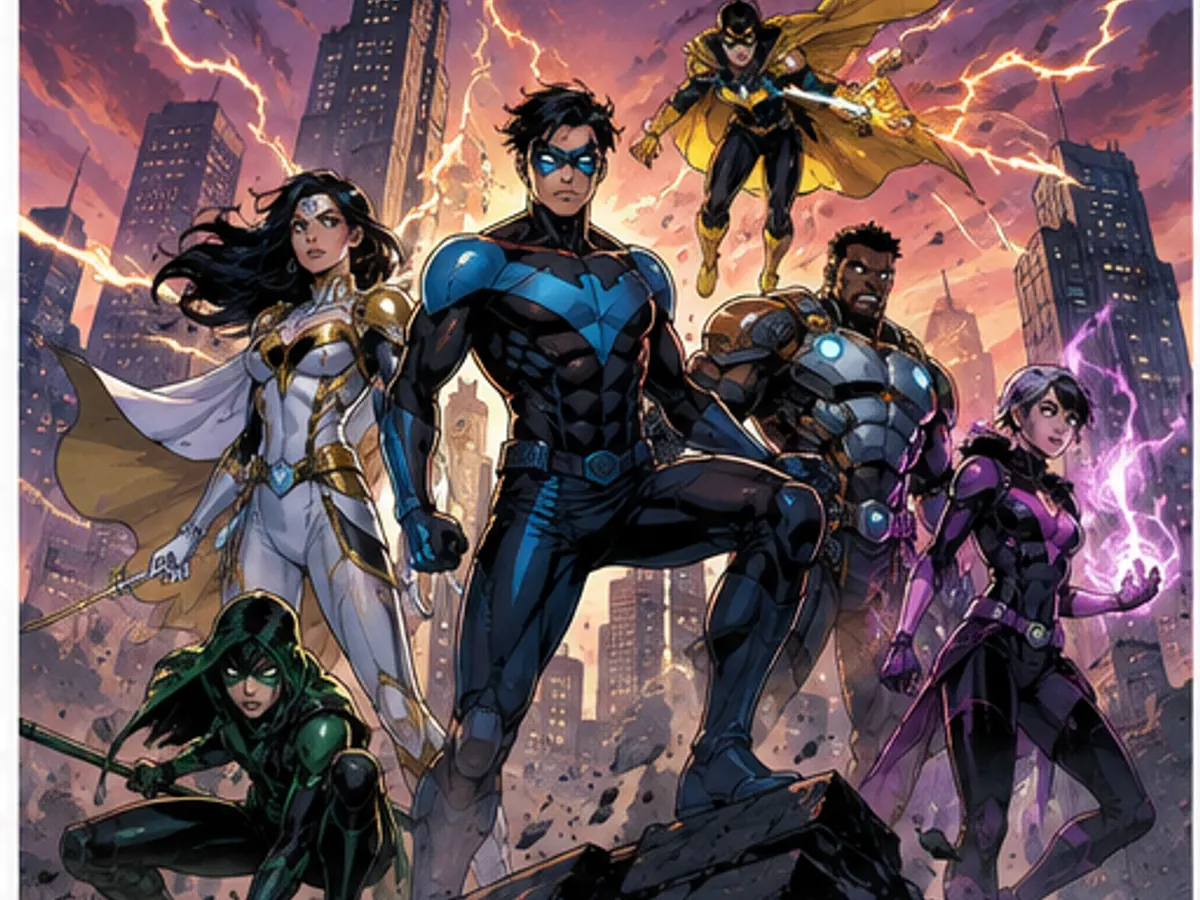
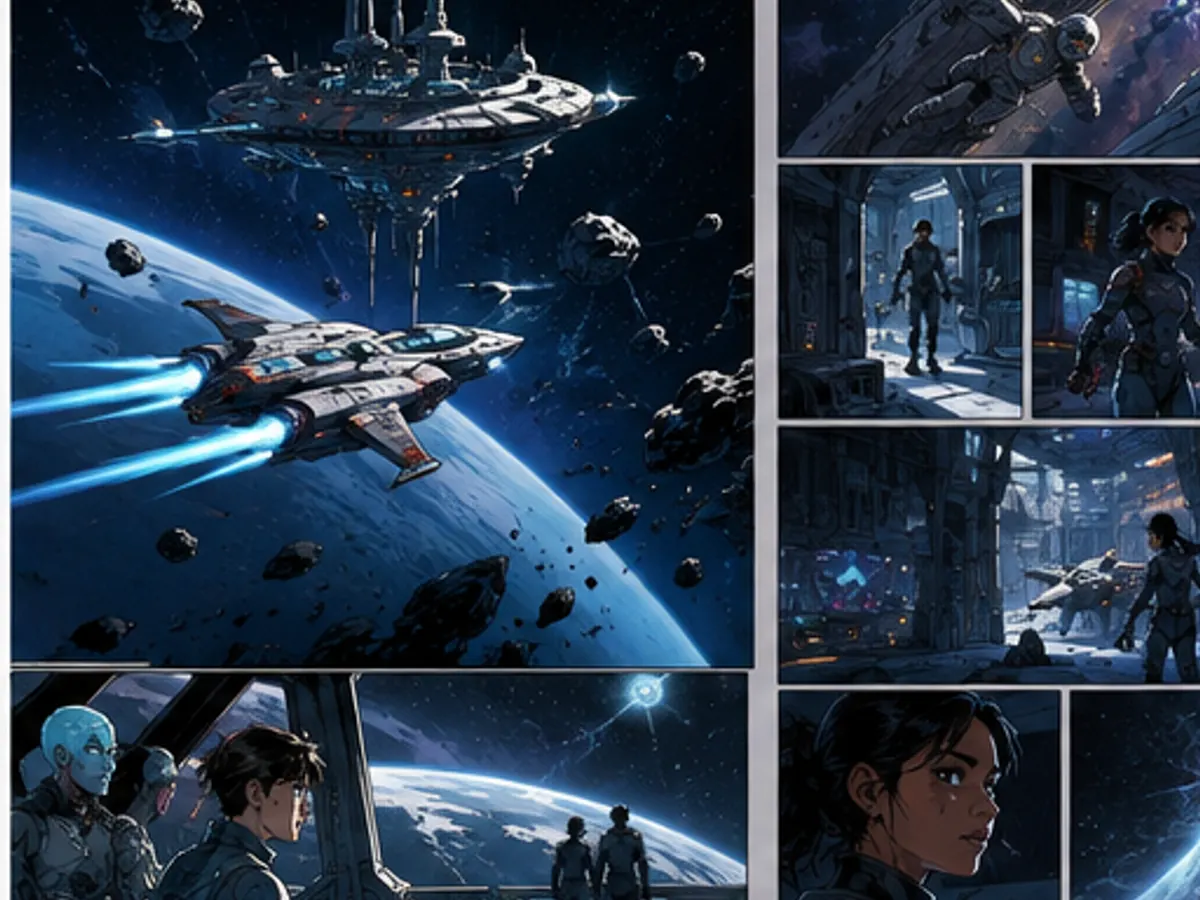
Six original production studies made for this page, spanning covers and interior genres. They are concept illustrations, not customer work or guaranteed output.
Why creators keep control
See exactly what stays under your control. Customer quotes will appear here only when we have permission to publish them.
The visual examples on this page are original concept illustrations made for this topic. They are not customer work, benchmark results or a promise that every generated output will match them.
How we verified this
Why this beats one big prompt
Questions
Related tools
Same category, the next step in the workflow, and something to read.