Product capability
Review the story before spending credits
See the detected scenes, cast, locations, panel beats and dialogue as an editable plan. Nothing is drawn until you approve what the comic will say and show.
Text to Comic AI turns plain writing into an editable comic rather than one flattened image. Paste a scene, review the detected characters and beats, change the proposed panels and dialogue, then generate only the artwork you approve. Every panel and speech bubble remains open to correction.
Paste text and review the characters, locations, dialogue and visual beats ComicWave detected. Nothing is drawn until the editable plan is approved.
Review scenes, characters, locations, panel beats and dialogue as text before spending credits on artwork.
The current planner preserves source meaning and keeps the detected beats visible, so you can correct the proposed adaptation before drawing.
Each panel is generated as its own asset. Replace a weak frame without discarding the approved work around it.
Dialogue becomes real speech bubbles and captions above the art, so revisions do not force a redraw.
Add prose, notes, dialogue or Markdown. The current planner preserves the source meaning while proposing visual beats.
Check detected people, places, beats and dialogue. Change the panel count or rewrite any line before drawing.
Create the approved panels, replace only what needs work, edit the bubbles and export the chosen format.
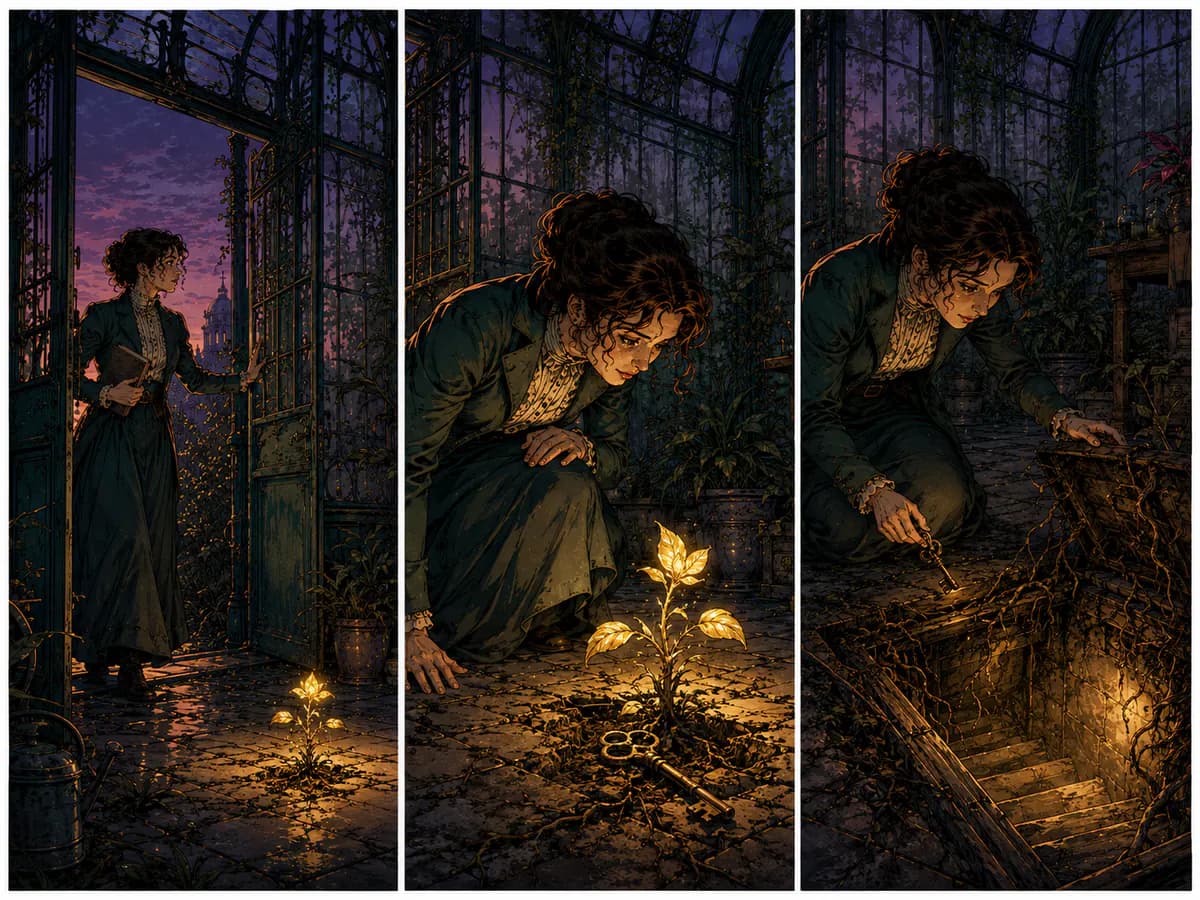
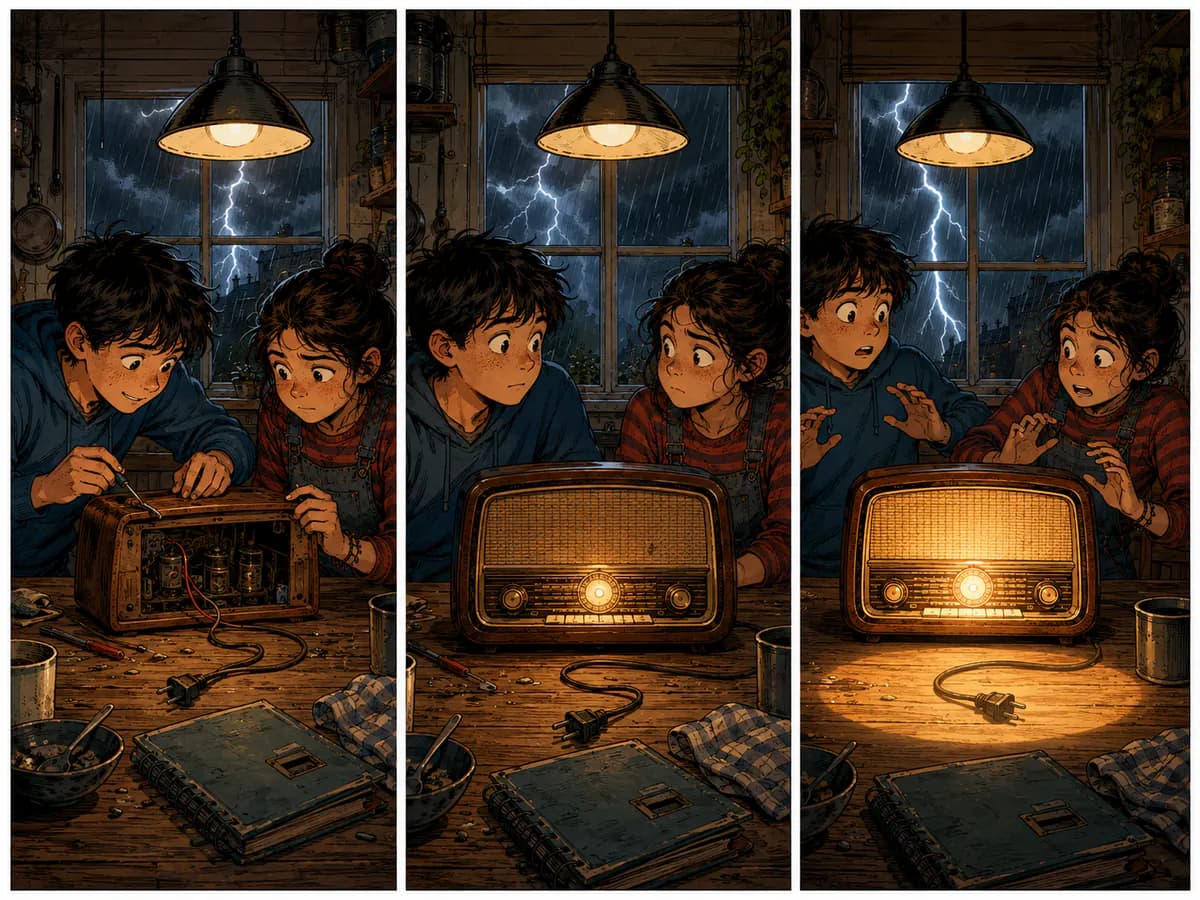
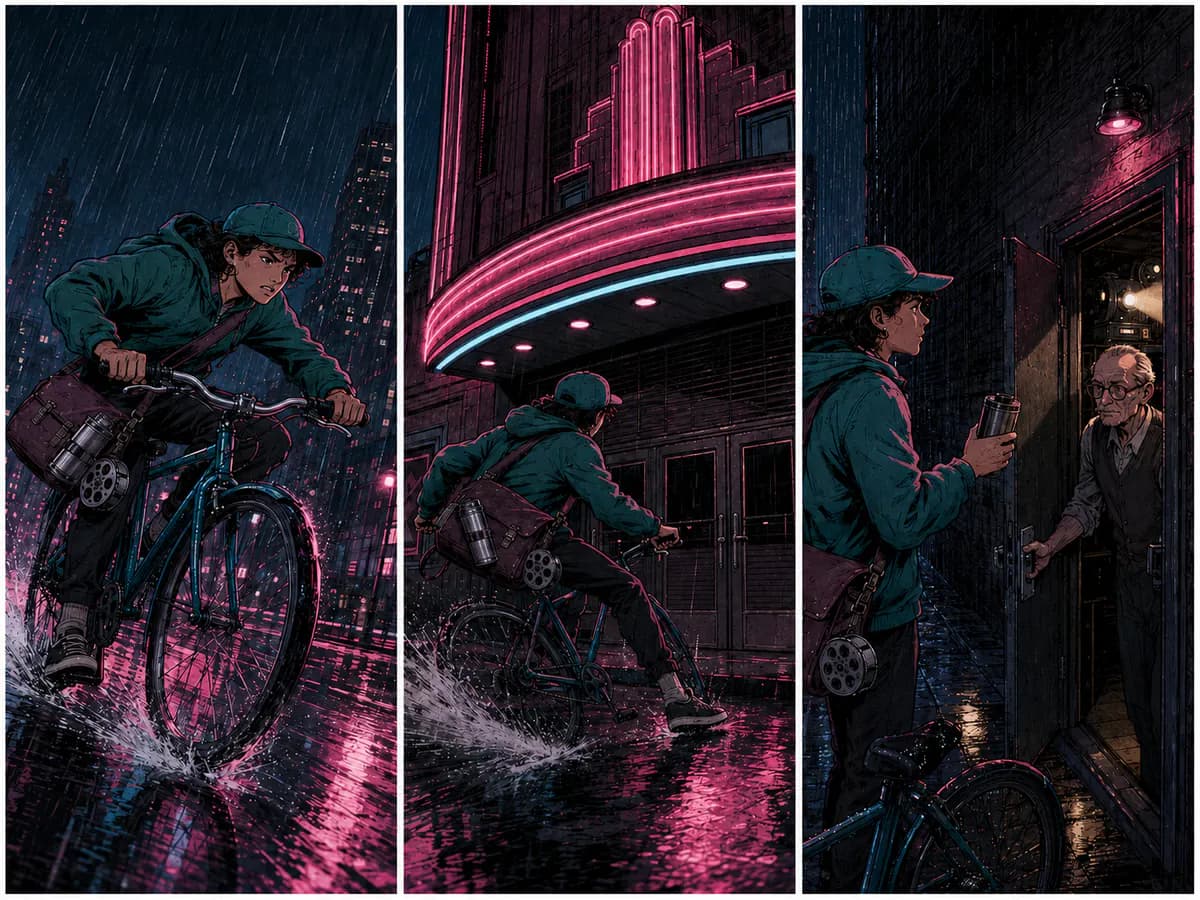
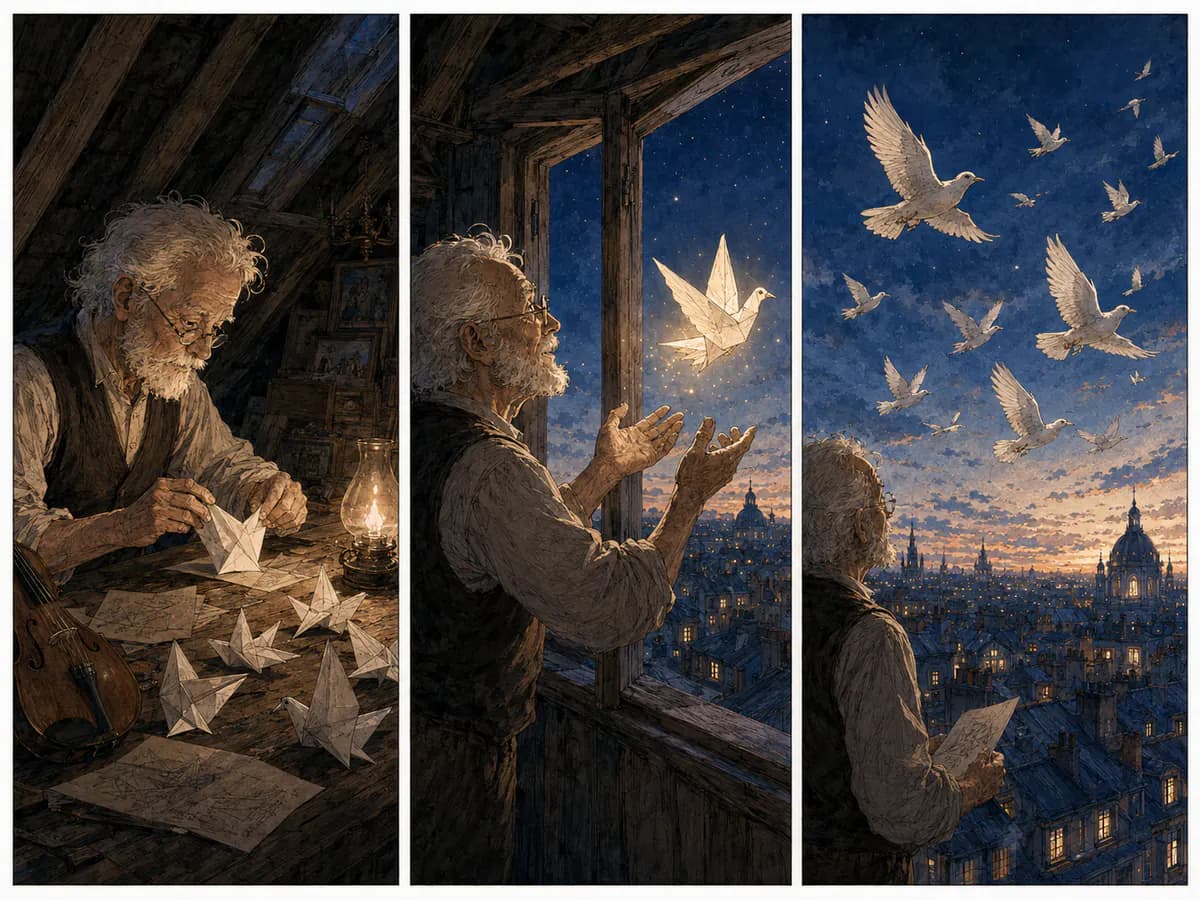
Six original three-panel adaptations made for this page. Lettering follows the speaker, reading order and open space in each scene; special treatments appear only when the tone needs them.
See exactly what stays under your control. Customer quotes will appear here only when we have permission to publish them.
See the detected scenes, cast, locations, panel beats and dialogue as an editable plan. Nothing is drawn until you approve what the comic will say and show.
Artwork is stored per panel while captions and speech bubbles remain editable. Fix copy, replace one panel or reorder a beat without discarding accepted work.
Paste your writing and ComicWave identifies scenes, characters, locations, dialogue and visual beats. It shows an editable panel plan that preserves the source meaning before it generates artwork.
You can start with a short story, scene, conversation, lesson, product explanation, poem or outline. Clear actions and changes usually make stronger panels than abstract description alone.
The current planner preserves your source meaning, but it still has to turn prose into visual beats. Review the proposed scenes, dialogue and panel order, then edit anything that should stay closer to the original before drawing.
Yes. Dialogue is visible in the plan before artwork is created. After generation, speech bubbles and captions remain editable text objects over the panel.
ComicWave imports TXT, Markdown, DOCX, selectable-text PDF, Fountain and Final Draft (.fdx) files from the dashboard. Scanned-PDF OCR is marked coming soon; EPUB is not supported.
Regenerate, revise or repair that panel alone. The other approved panels remain in place, and their accepted versions are not replaced by the new job.
Same category, the next step in the workflow, and something to read.