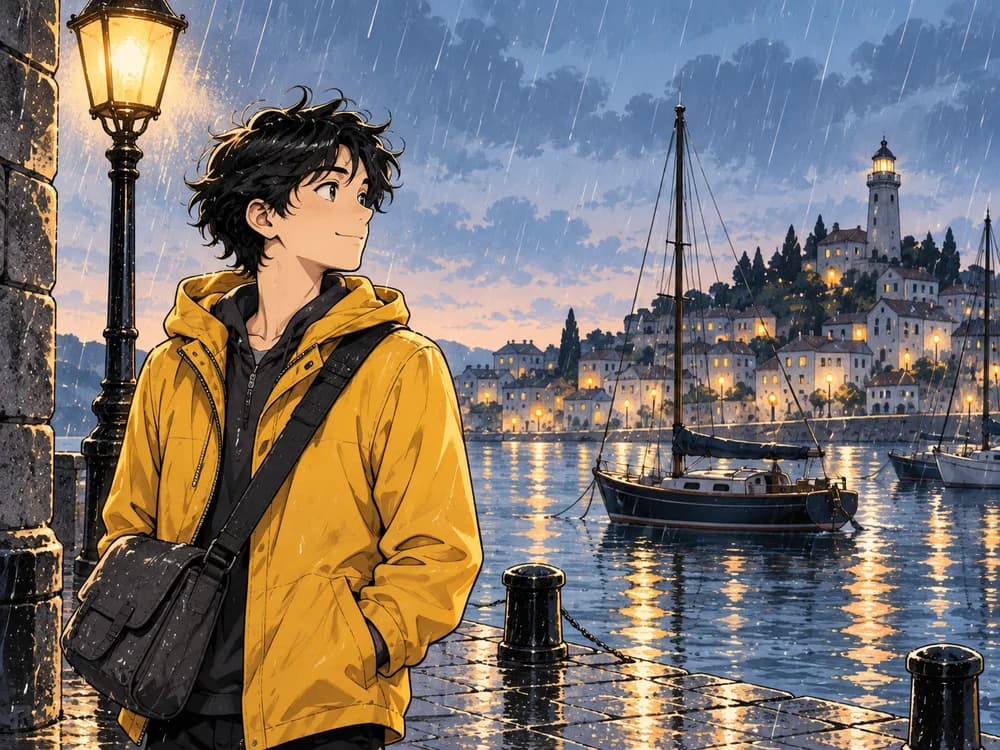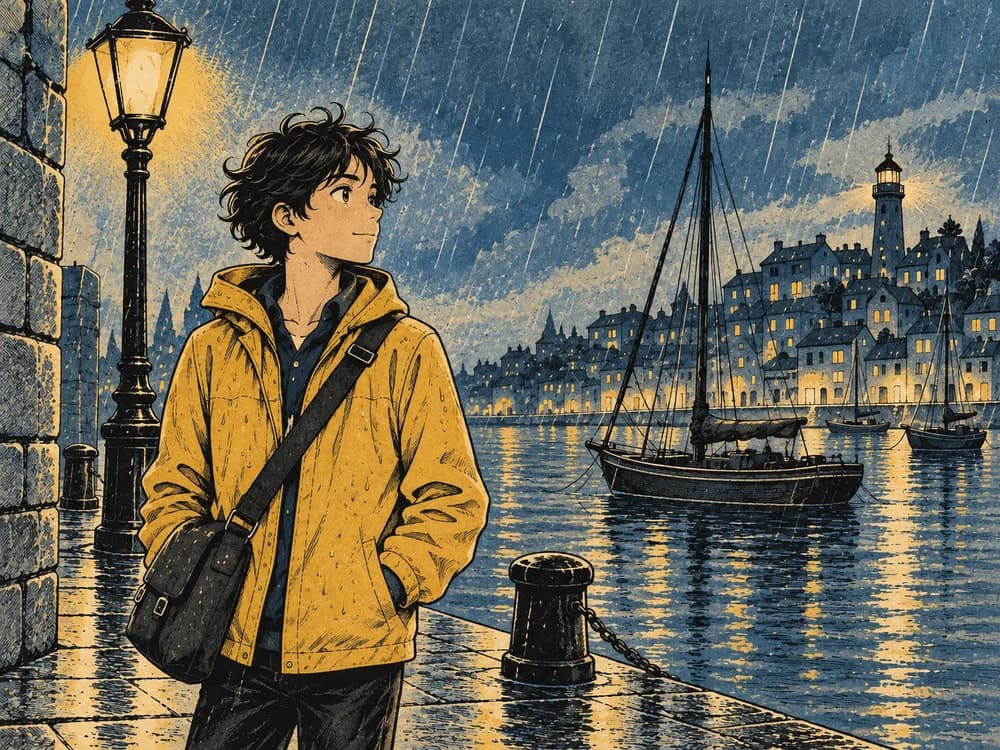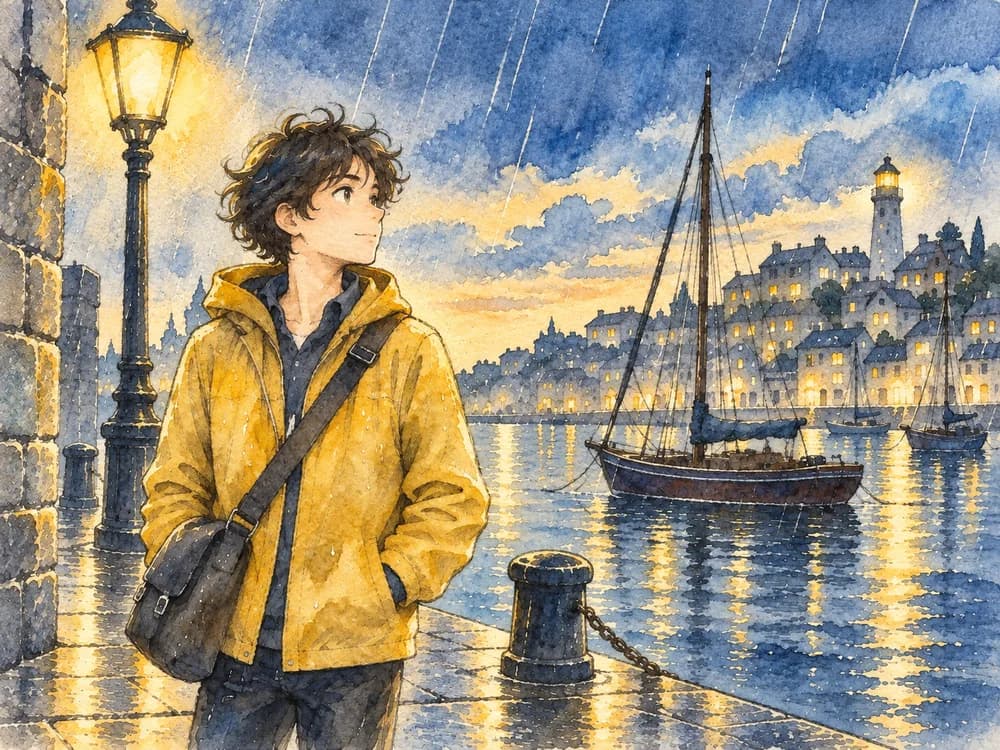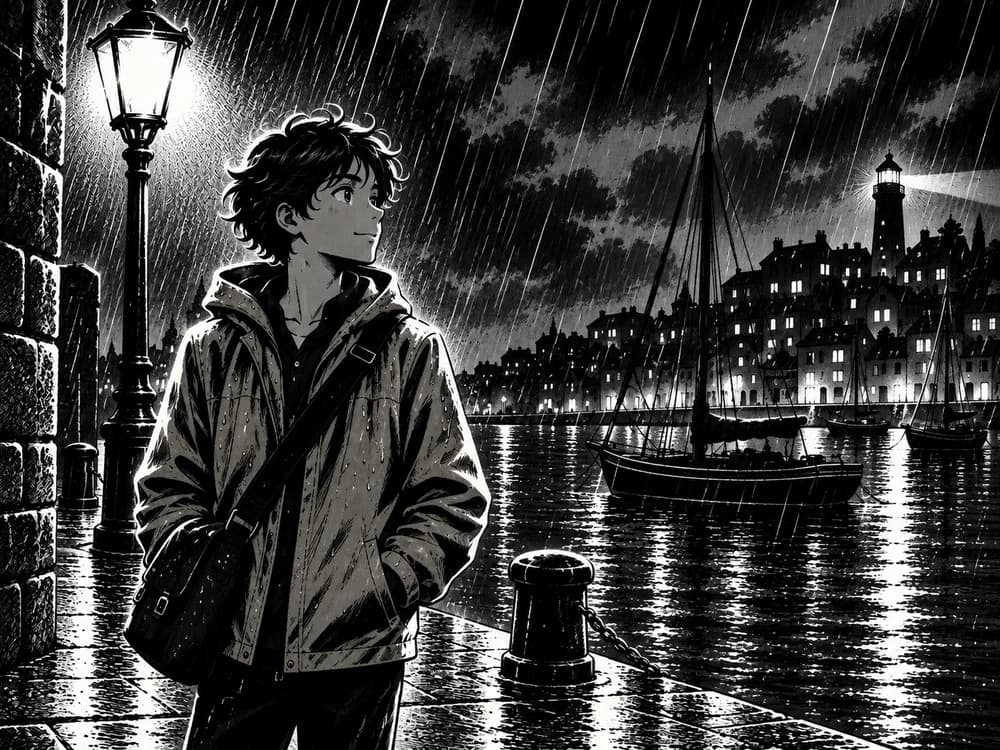
COMICWAVE
AI comic generator for comics, manga & webtoons

The AI comic generatorthat remembersyour characters.

Paste a story, a script, or just an idea. ComicWave plans the pages, draws every panel with your approved character references, letters it with real speech bubbles, and exports for print, webtoon or social. Generation runs in the background, and every panel remains yours to review and fix.

No card required · every step is previewed before it costs credits
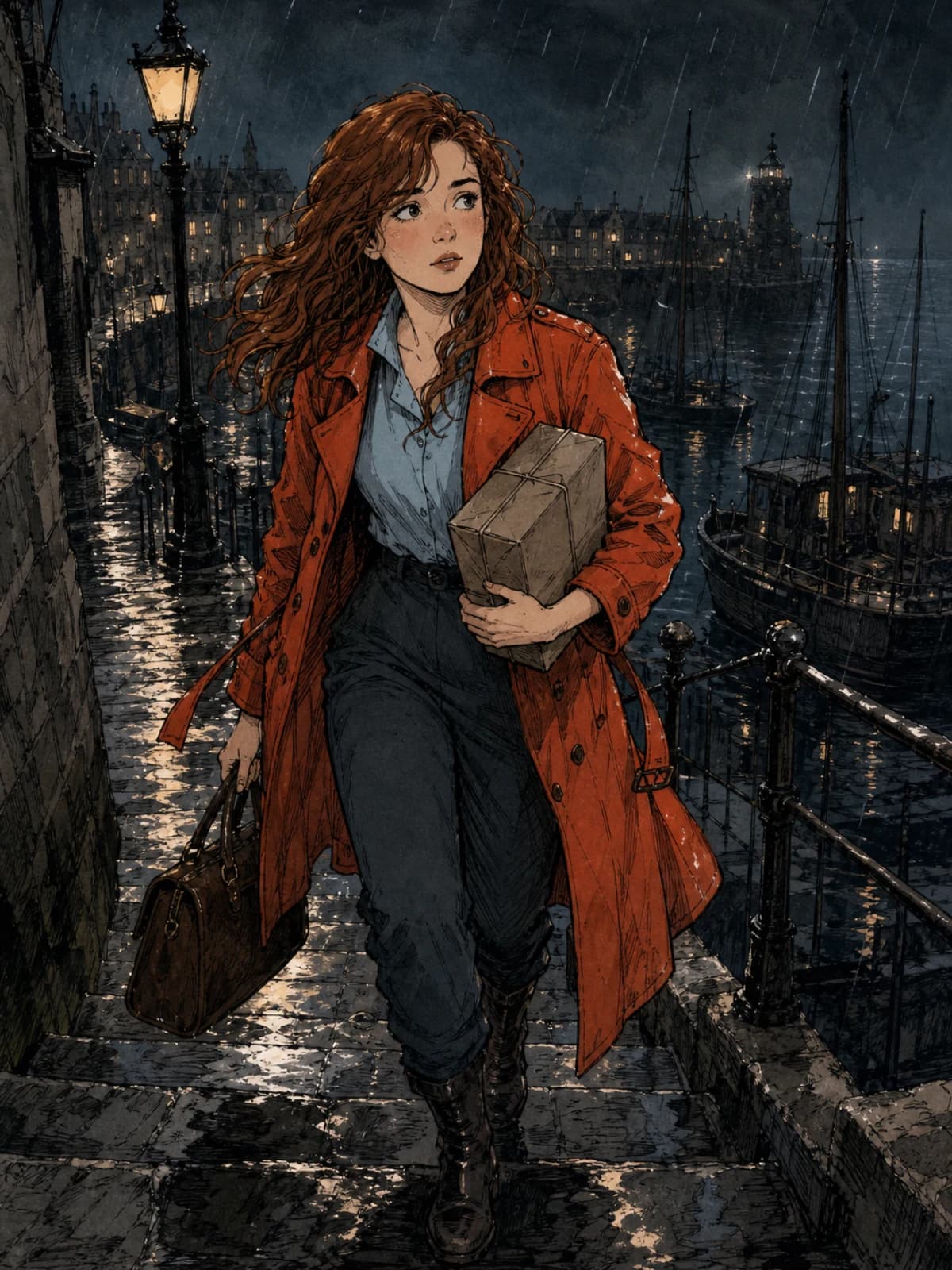
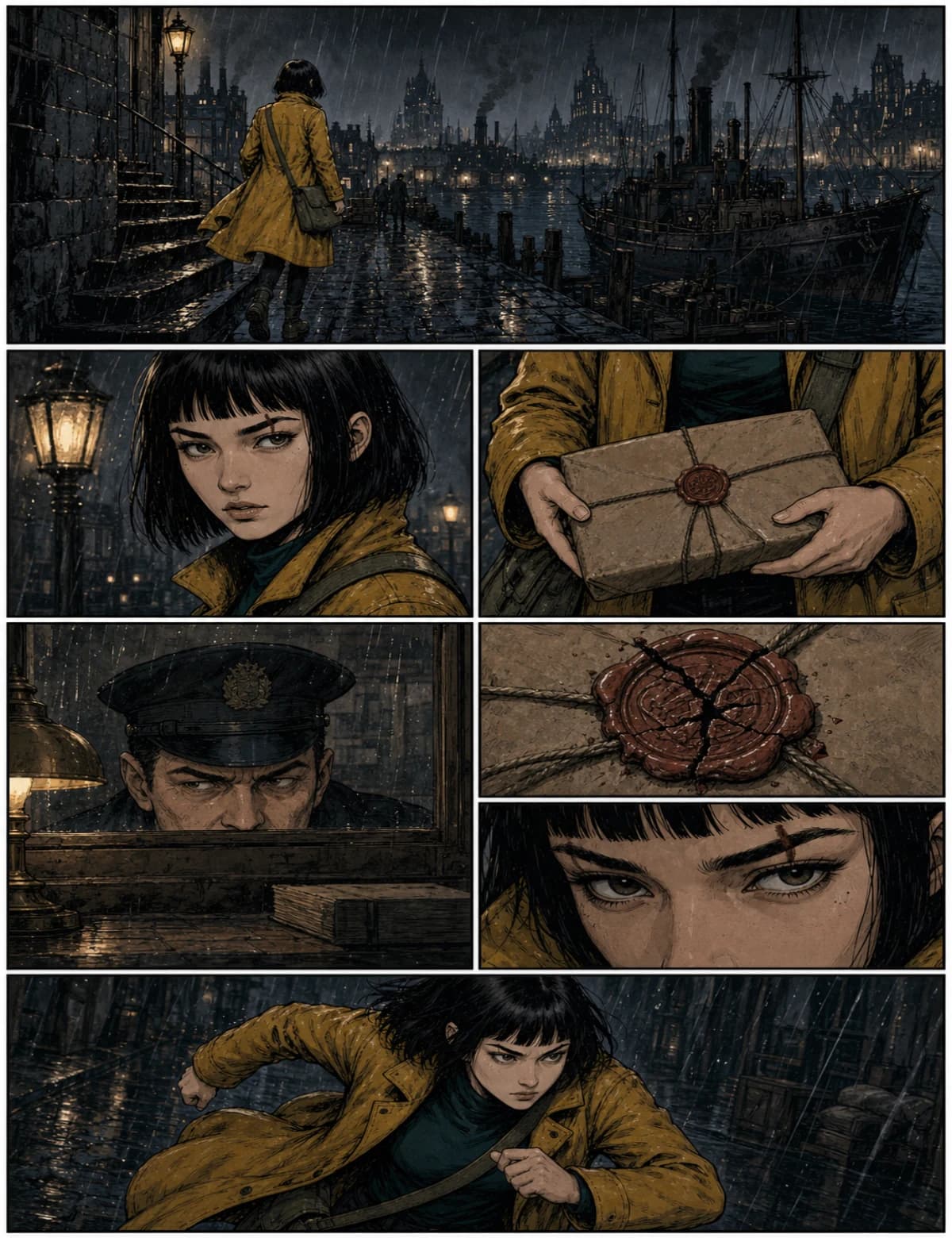
The Lantern Courier, panel 01: wide01WIDE
The Lantern Courier, panel 02: medium02MEDIUM
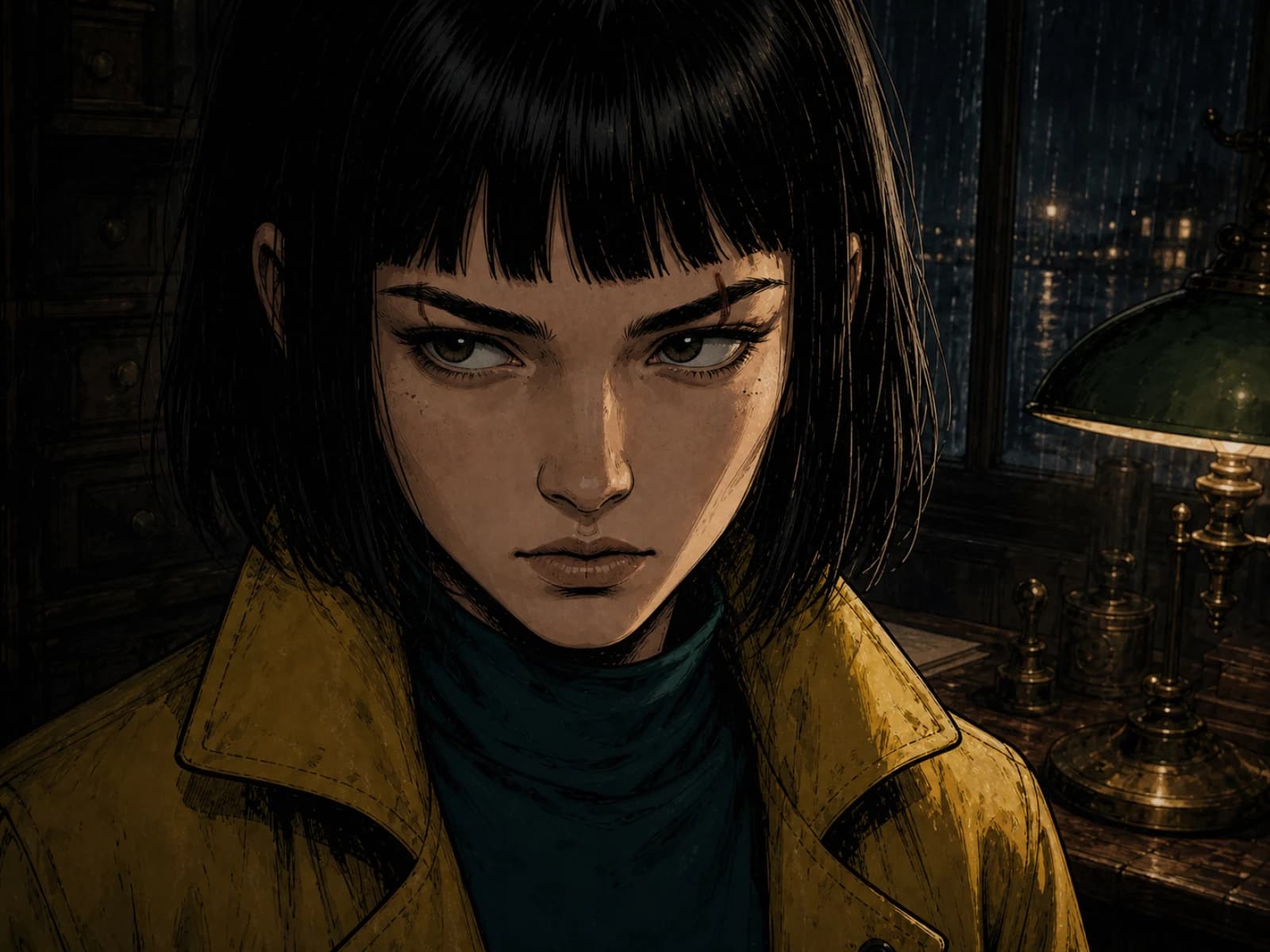
The Lantern Courier, panel 03: close-up03CLOSE-UP
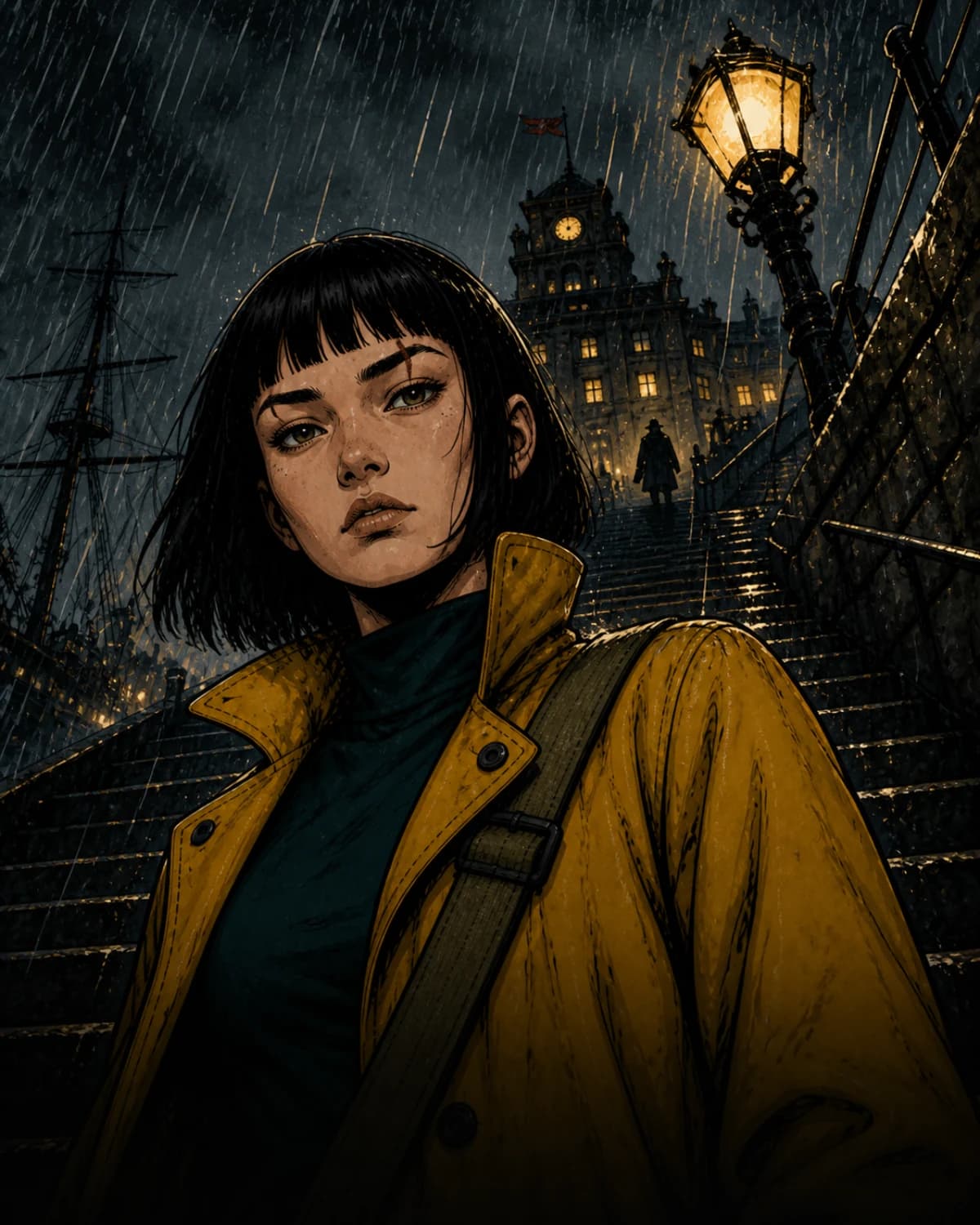
The Lantern Courier, panel 04: low angle04LOW ANGLE
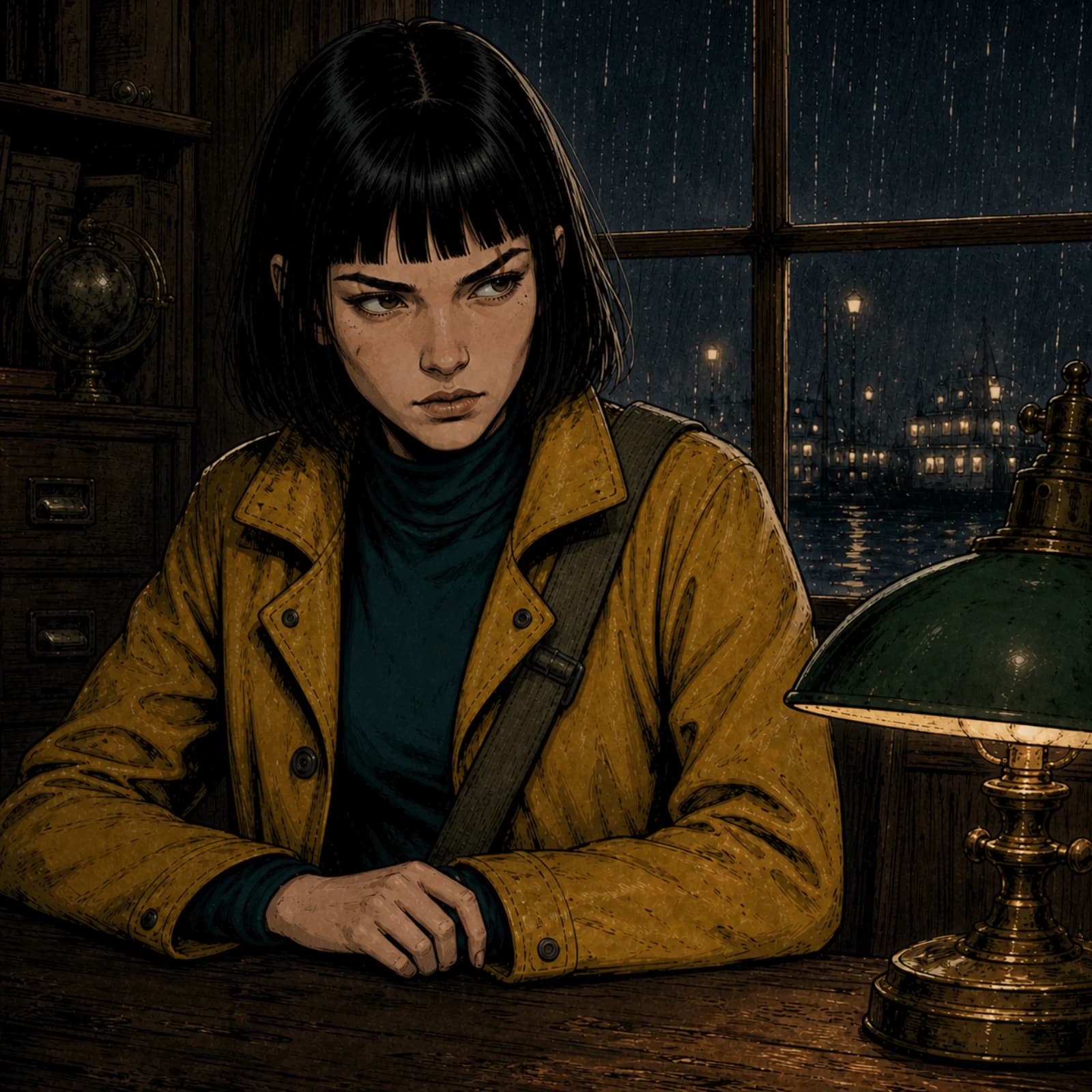
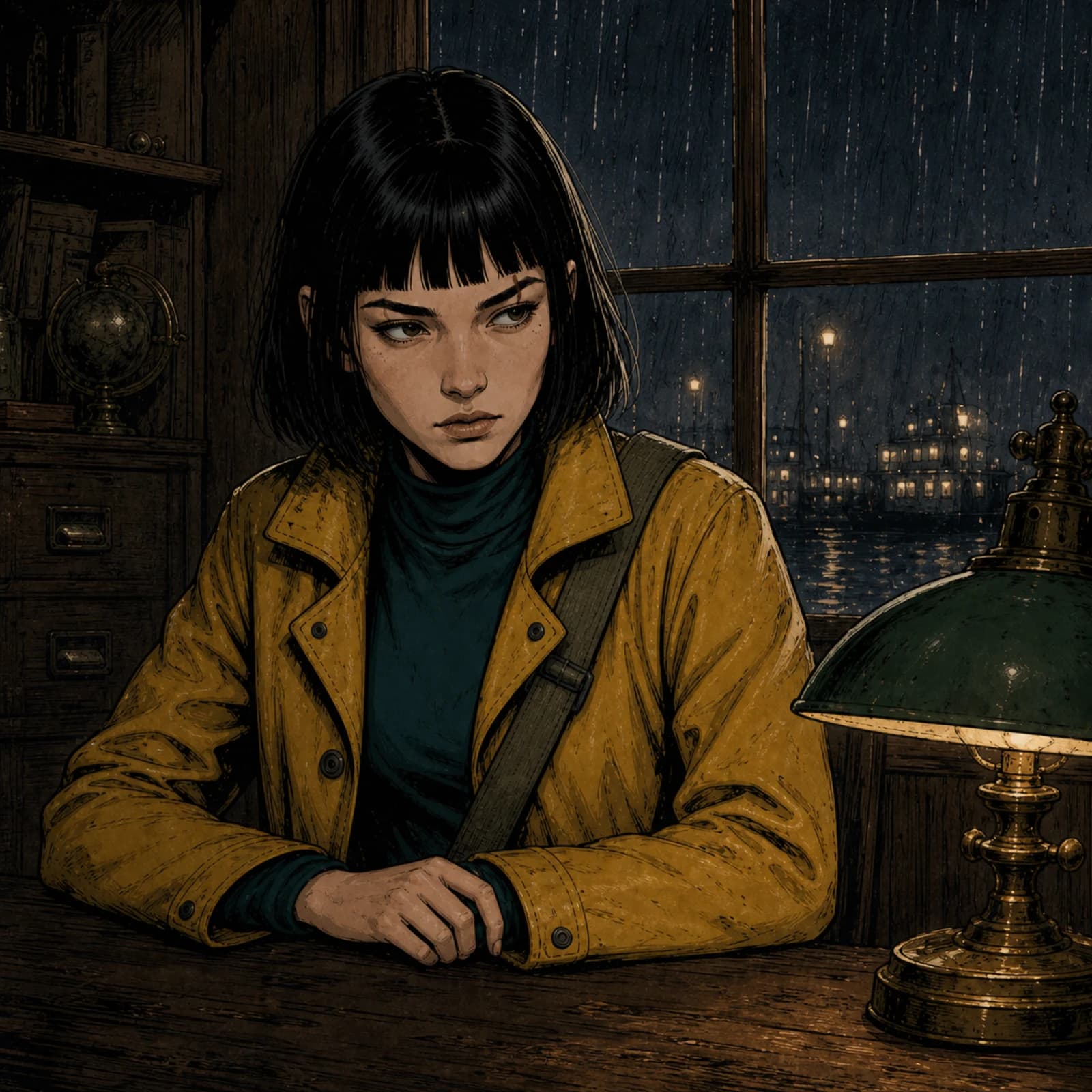
The Lantern Courier, panel 05: interior05INTERIOR
The Lantern Courier, panel 06: two-shot06TWO-SHOT
The Lantern Courier, panel 07: seal07SEAL
The Lantern Courier, panel 08: reaction08REACTION
The Lantern Courier, panel 09: action09ACTION
62%
The Lantern Courier, panel 10: rooftops10ROOFTOPS
The Lantern Courier, panel 11: smirk11SMIRK
The Lantern Courier, panel 12: sunrise12SUNRISE
You're the Vane girl.
EDITABLE TEXT — NOT PIXELS
Mira on the harbour stairs
P01
Mira inside the customs house
P05
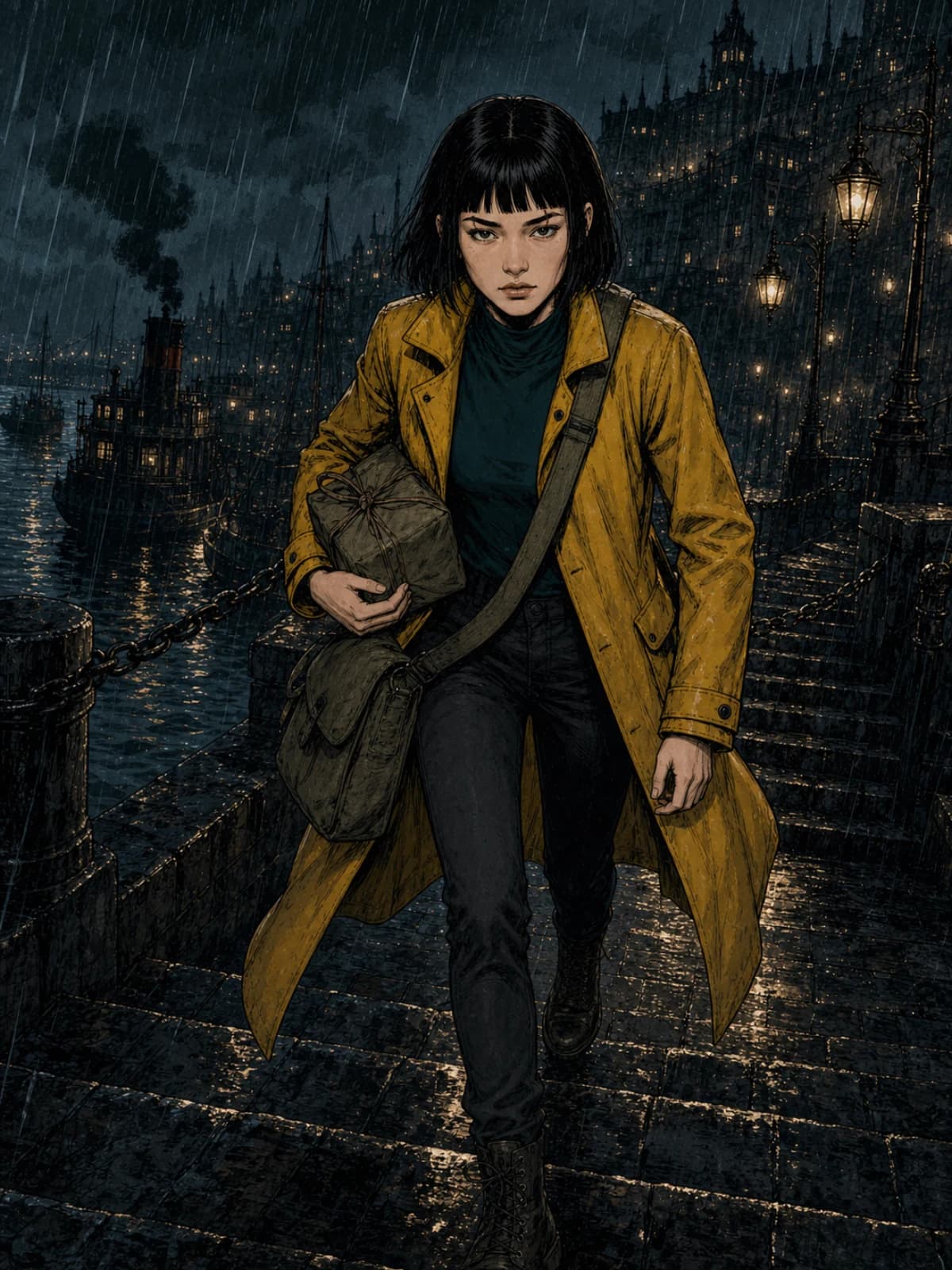
Mira running with the parcel
P09
Same character sheet, three scenes.
The Lantern Courier · 3 scenes · 12 panels · indie ink · generated in Quick Compose
Generate page · 8 cr
ONE PROJECT SHIPS ASUS comic pageManga pageWebtoon scroll4-panel stripSocial carouselStoryboard
MANGA B&W example pageWEBTOON example page4-PANEL example pageCAROUSEL example page
Made with ComicWave
MANGA B&W · WEBTOON · 4-PANEL · CAROUSEL
Webtoon chunks to platform spec
300-dpi print PDF with bleed
Horizontal lettering · CJK font fallback
Private beta · 50 free credits · no card
Projects are private. We don't train on your work.

Start where you are.

FC

Fast Comic

Got a joke, a lesson, a scene? Pick a style and a layout, approve the plan, and generate a 3–8 panel comic with real bubbles you can edit.

Make a fast comic
SC

Story to Comic

Got a chapter, a script or a whole story? ComicWave breaks it into scenes, pages and panels, builds your cast, and generates page by page. You approve every step before it costs anything.

Turn a story into a comic
ST

Studio

Already know what you want? Start on a blank page or scroll, add panels, art and characters yourself, and letter it with 40+ bubble styles.

Open a blank Studio
Also: import TXT, Markdown, DOCX, text-based PDF, or Fountain · continue a series from an existing cast and world. FDX and scanned-PDF OCR are coming soon.

Visual drift compounds across panels.

The face drifts. The coat changes colour. The lamp moves. A comic isn't twelve pictures — it's one story told twelve times with the same people. So ComicWave is built around memory: approved character sheets every panel is drawn from, outfits and props tracked scene by scene, accepted panels that become references for the next ones, and a correction memory — reject a panel for “wrong coat” once and the project remembers.

We call this Visual Continuity Lock.
COMICWAVE · SCENE 01–03
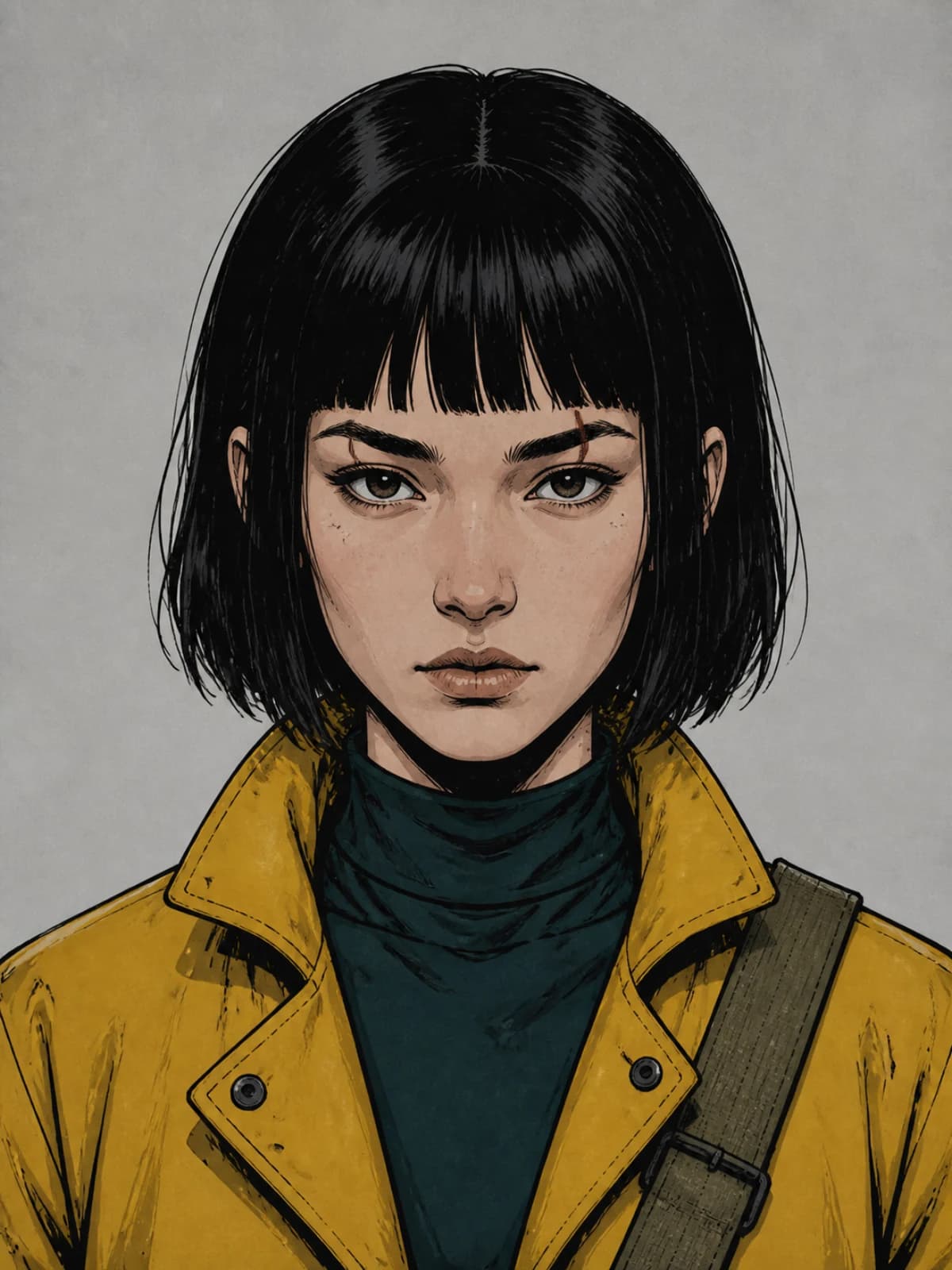
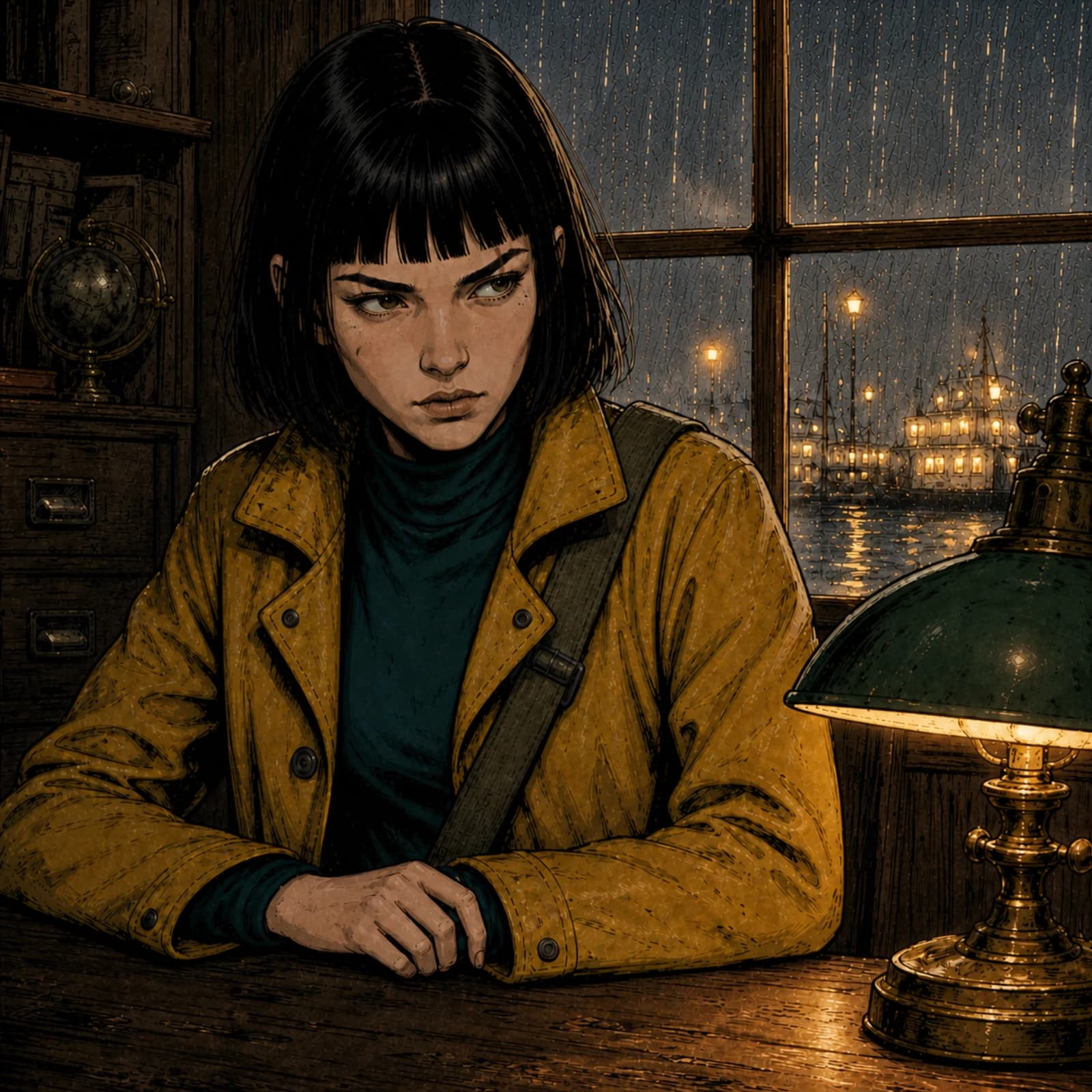
Mira Vane in panel 1, consistent: same bob, scar, mustard oilskin coat and dark teal topP1
Mira Vane in panel 5, consistent: same bob, scar, mustard oilskin coat and dark teal topP5
Mira Vane in panel 9, consistent: same bob, scar, mustard oilskin coat and dark teal topP9
Same Mira — same sheet, same coat, same rain
A SINGLE-PROMPT IMAGE TOOL
Panel 1 drifted: the coat, hair and face have all changedP1
Panel 5 drifted: the coat, hair and face have all changedP5
Panel 9 drifted: the coat, hair and face have all changedP9
Three different Miras

Consistency must be measured, not promised — .

How it works

01

Bring your story

Paste text or a script, or upload a file. Tell us if it's finished, a draft, or just a premise — and whether to keep it close or adapt freely.

Story to Comic wizard, Source step: paste text or upload a file, text status Complete, fidelity Preserve closely
Story to Comic · Source
02

Approve the plan

You get a synopsis, beats, scenes and a page map, with a panel count and a credit range. Change anything; regenerate one scene without touching the rest.

Story plan: synopsis, a continuity warning about Mira’s coat colour, page segmentation and the scene and beat table
Story plan · scenes & pages
03

Build your cast and world

Characters become sheets — headshot, full body, profile, expressions. Approve one look and lock it. Places, props and outfits get cards too.

Project cast: Mira Vane and Pip as character cards with canonical headshot views and LOCKED badges
Cast · locked looks
04

Storyboard it

Every panel gets a purpose, a shot, who's in it, what they're doing, and the exact dialogue — before a single image is generated.

Storyboard — panels with acceptance state, one still generating
Storyboard
05

Generate the page

Quick Compose draws each panel separately and in parallel, drops them into your layout, and letters them. Panels appear as they finish. One bad panel? Redo just that one.

Your comic — panels arriving as they finish, with consistency locks
Fast Comic · generating
06

Finish and export

Open Studio — instantly, no credits — to fix, restyle, repair and re-letter. Then export for print, webtoon, strip or carousel.

Export — format options and a page preview
Export

Generation time varies with panel count, quality tier, provider capacity and retries.*
*Jobs run in the background, so you can close the tab and return later. Every paid step shows its credit cost first; measured timing will be published only from the fixed release corpus.

Your first page stays editable.

Quick Compose is how Fast Comic and Story to Comic actually generate. Instead of one flat image, ComicWave draws every panel as its own asset, at the same time, and places them into a layout it already knows. That's why a page shows up panel by panel, why one failed panel never sinks the page, why switching layouts costs nothing, and why “Open in Studio” is instant — there's nothing to convert.

01
0264%
03
01 DONE · 02 AT 64% · 03 QUEUED

Panels arrive as they finish

You're reading panel one while panel four is still drawing.

04
06
05RETRY
07
05 FAILED · RELEASED 2 CR

Redo one, keep eleven

A failed or wrong panel is its own job. Its siblings never move.

LAYERSPAGE 1
Panel 04art v2
Panel 05art v1
Bubble · Miratext
Captiontext
Backgroundimage
0 crnothing to convert

Studio is a door, not a conversion

Panels are already separate objects, so opening the editor is instant and free.

What you actually get

A cast built from approved references.

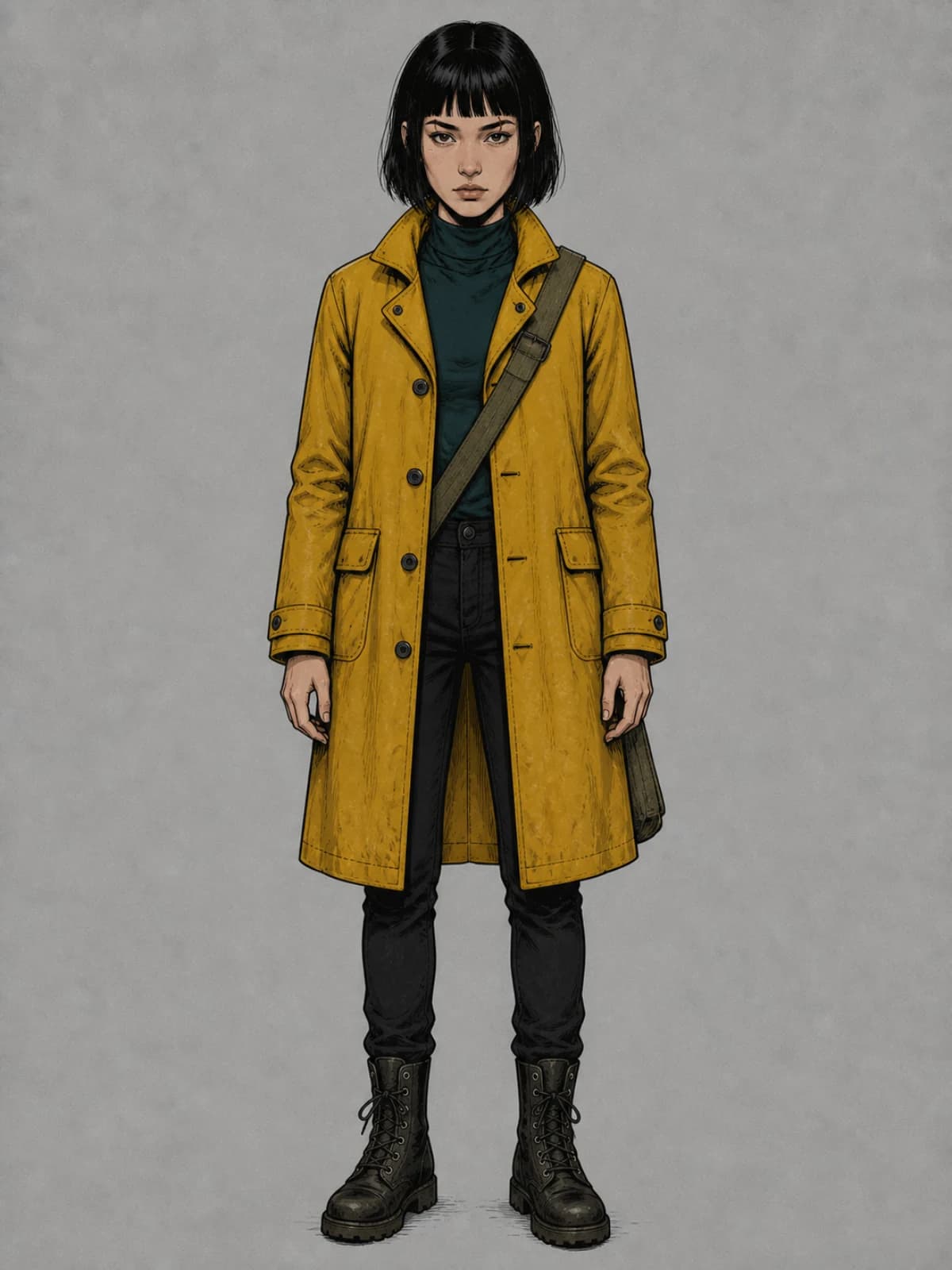
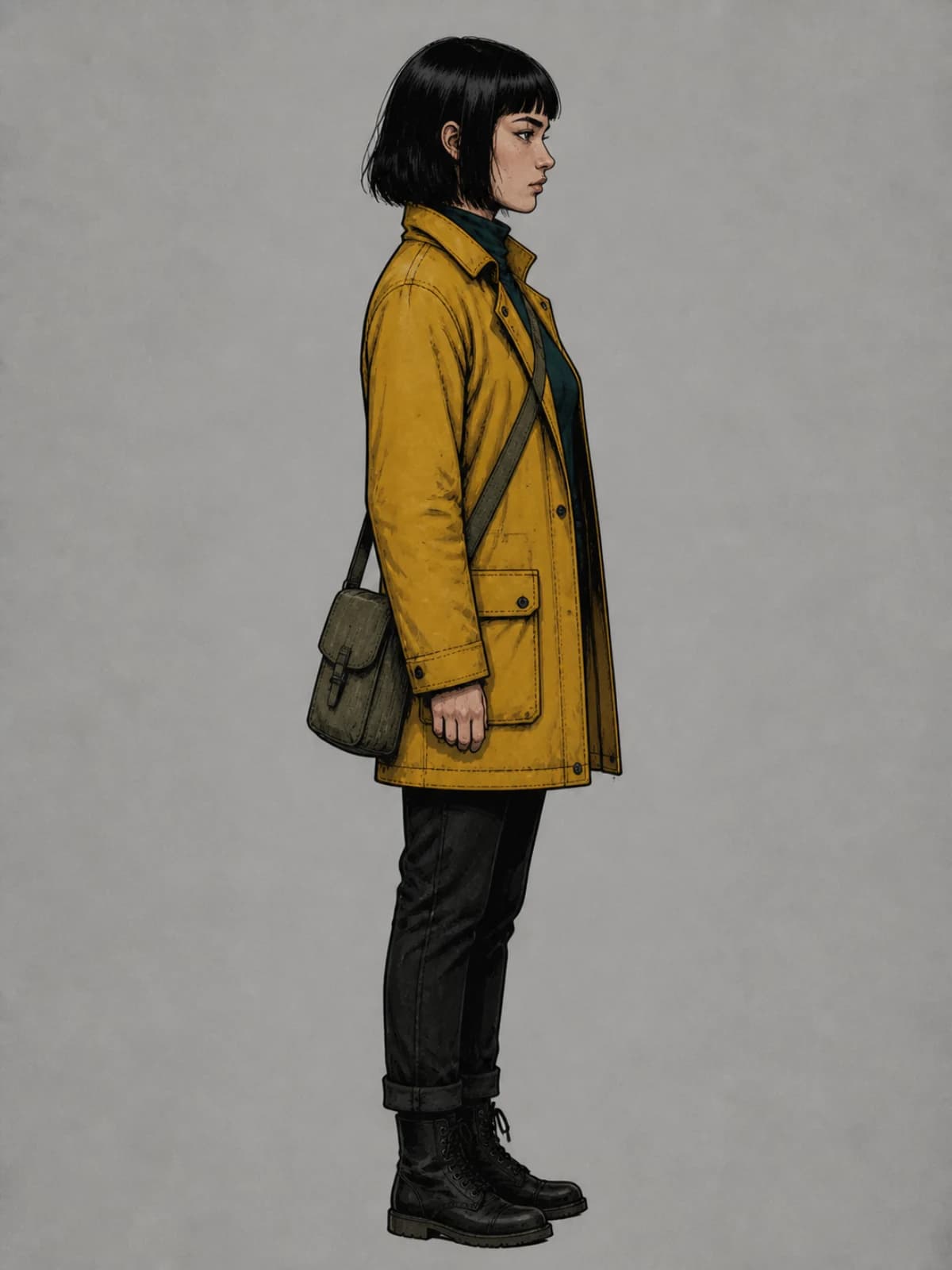
Every character gets a sheet — headshot, full body, profile, expressions, poses — that you approve and lock. Give it outfits. Mark which reference photos are authoritative and which are inspiration. Relevant panel jobs receive those labeled references; generated results remain yours to review.

5 anchor views · outfits & poses · promote crop → reference
Mira Vane anchor view: headshotCANON
Mira Vane anchor view: full body
Mira Vane anchor view: profile
Mira Vane anchor view: expression
Mira Vane anchor view: action
Cast — Mira Vane, 5 anchor views, locked
Scene stateCustoms House · night · rain
Outfityellow oilskin (wet)
Parcelwith Mira → on desk (P6)
Rulekeep the white streak · ACTIVE
Continuity panel — scene state & correction rules

Visual Continuity Lock.

Not one trick — five layers: structured scene state (who's where, wearing what, holding what), role-labelled references, accepted panels reused as references, a correction memory built from your rejections, and retrieval for long series. You see the state and the rules; you can turn any rule off.

scene state · authoritative refs · correction rules

A plan you can argue with.

Synopsis, beats, scenes, page map, storyboard — all editable. Split a scene, move a page break, rewrite a line, regenerate one panel spec. Approved parts stay put.

9 shot types · regenerate one scene · continuity warnings
#SceneStatus
01The DeliveryAPPROVED
02The Warden's DeskAPPROVED
03RooftopsDRAFT
Story plan — regenerate one scene, keeps 2 approved
Panel version 1: the original renderV1
Panel version 2: tighter framing, harder lightV2DISPLAYED
Panel version 3: window light relit, masked region on the rightV3
Panel detail — versions, mask on V3

Fix one panel without touching eleven.

Every action makes a new version and keeps the old one. Variation (new take), Revise (change one thing, keep the rest), Repair (paint a mask — everything outside stays pixel-for-pixel), Restyle, Reframe (crop free; expand or recompose when you need more), Replace Character, Change or Remove Background, Upscale. Compare, accept, or go back.

9 actions · masked repair · versions & compare

Bubbles are real text.

Dialogue never gets baked into pixels. Speech, thought, whisper, shout — 40+ bubble styles, tails you drag to the speaker, captions, narration, SFX. Auto-fit warns before it overflows. Change a line for free, forever.

24 bubble bodies · 4 tail families · 6 captions · 10 SFX
Signed, sealed.…maybepsstSLAMThird night of rain.
Lettering — speech, thought, whisper, SFX, caption
縦書きの台詞
← readingRTL page
ROADMAP PREVIEW · Vertical writing & right-to-left page order

Lettering that speaks your language.

Launch supports editable horizontal lettering with Latin and CJK font fallback checks. Automatic vertical writing, furigana and right-to-left reading order remain roadmap work.

CJK font fallback · vertical text and RTL planned

Comic Copilot, with a preview first.

Type “shorten all dialogue on this page” or “keep Mira's yellow coat in every panel.” Copilot shows you exactly what will change and what it costs before it touches anything.

diff before apply · text edits free · never silent
PBeforeAfter
05You're the Vane girl.The Vane girl.
06Signed, sealed. Nearly drowned.Signed, sealed.
3 bubbles · 0 cr (text only)
Copilot diff sheet
300 dpi
Webtoon chunk preview & print trim/bleed

Made for where it's going.

Protected webtoon cuts avoid known bubble and panel bounds when possible and flag unavoidable cuts for review. High-resolution sRGB raster PDF supports document bleed and crop marks, alongside carousel, PNG, JPEG and WebP exports.

webtoon chunk preview · 300-dpi PDF · 4:5 tiles

Credits you can see.

Every generation shows its cost before you click. Credits are reserved when a job starts, settled when it finishes, and released if it fails. Draft, Standard and Final quality tiers so you don't pay final prices for sketches.

reserve → settle → release · 3 tiers · cost range
RESERVED 24·SETTLED 20·RELEASED 4
DraftStandardFinal
Credits strip & quality tiers
Projects private by default
No training on your work
Commercial-use terms pending counsel review
Private share links coming in v1.5
Privacy & rights summary

Yours, and private.

Projects are private by default. We don't train on your work. Commercial-use terms remain subject to counsel review before paid launch. Original characters are encouraged, with a published content policy and reporting process.

no training · commercial rights · private links soon

You keep the pen.

Studio is a real page editor: pages and scrolls, panels with gutters and borders, layers, undo, keyboard shortcuts. A left rail for pages, story, captions, prompts, assets, characters, world, layers and versions. An inspector that changes with what you select. A floating toolbar for the common stuff. And the Copilot bar underneath. It's closer to a focused Clip Studio than to an image generator.

ComicWave Studio: page 2 of The Lantern Courier with a speech bubble selected, the bubble and tail inspector open on the right, the floating text toolbar above the page, and the Copilot bar underneath.
Left railInspector: bubble & tailFloating toolbarCopilot
Studio — Page 2 of The Lantern Courier, bubble selected, inspector open, Copilot bar visible

Six formats, one project.

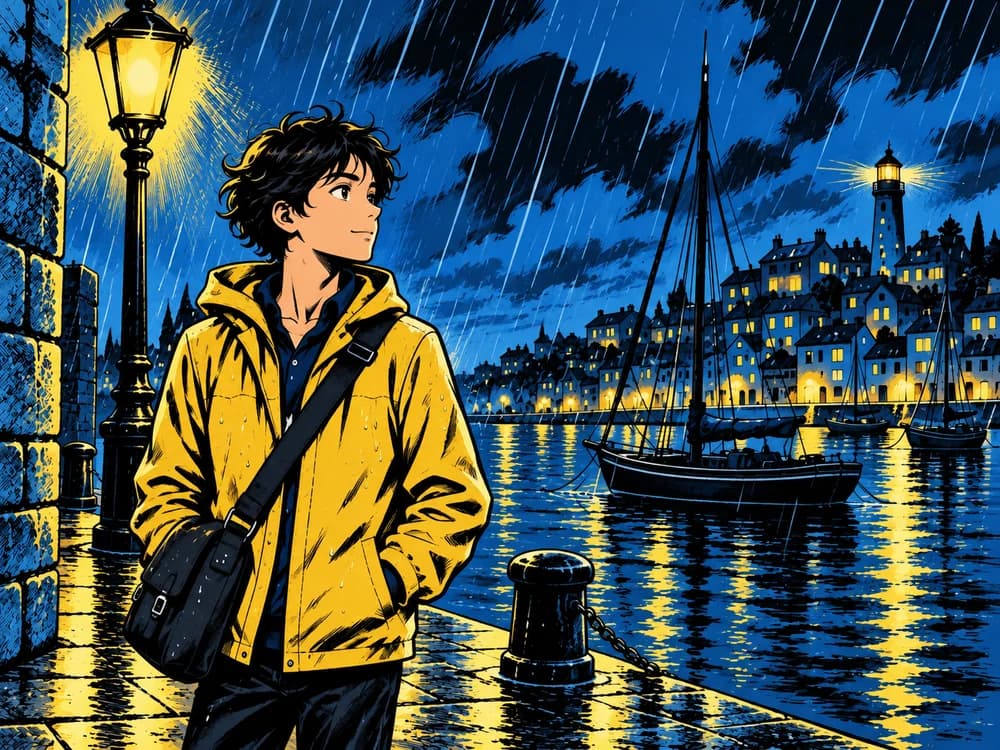
01The Lantern Courier as a US comic page: six panels in a classic grid with black borders and white gutters

US comic page

Standard page size, gutters and bleed

exports as PDF, PNG
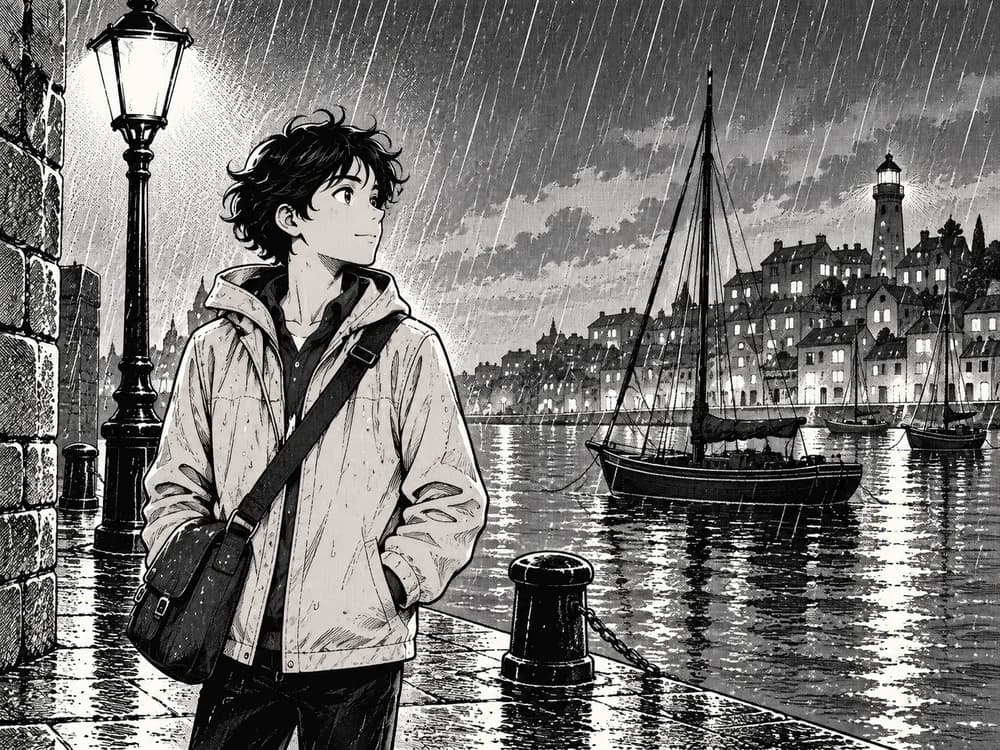
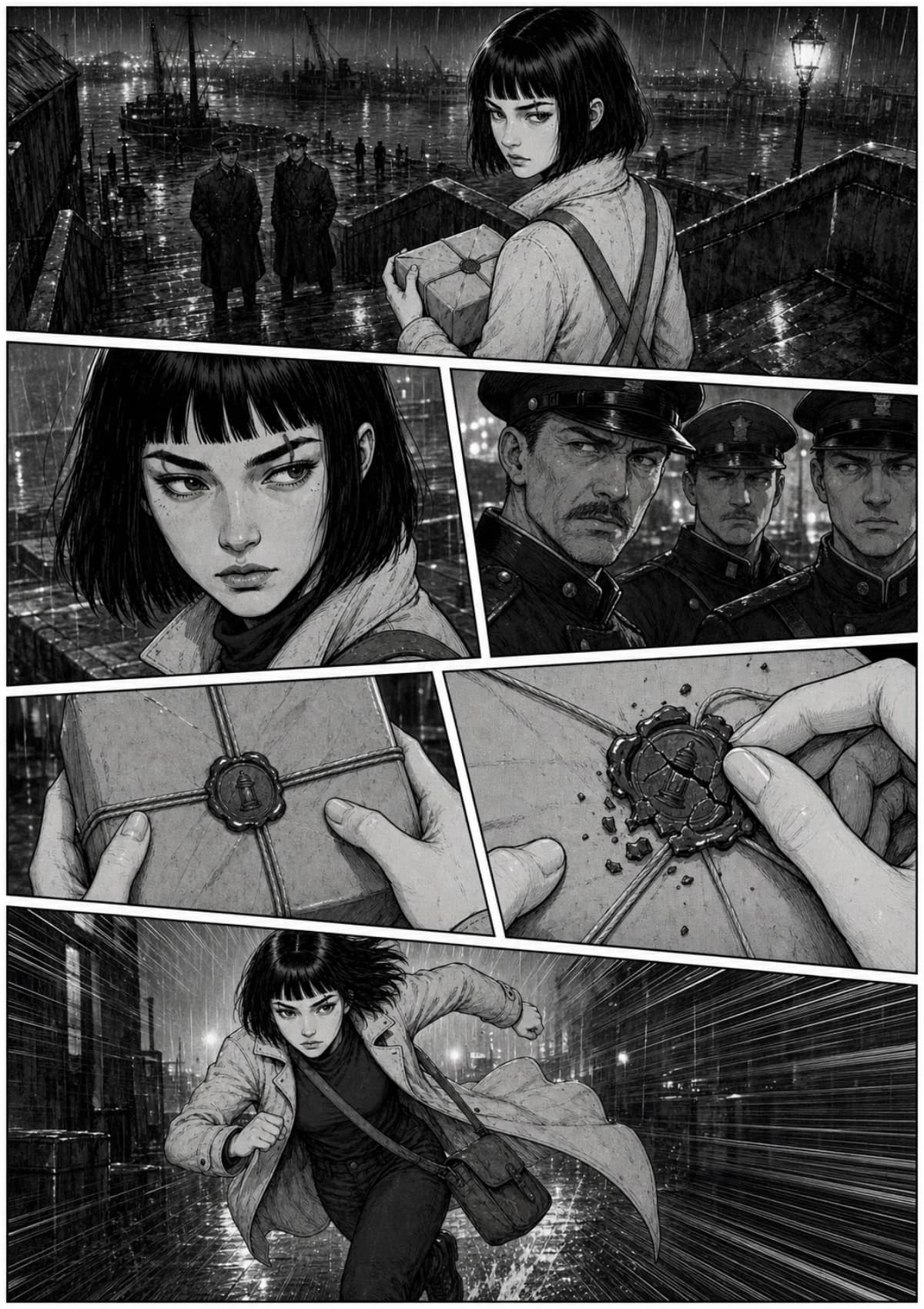
02The same scene as a black-and-white manga page: five irregular panels read right to left, screentone greys and speed lines

Manga page

Screentone art and manually arranged RTL layouts

exports as PDF, PNG
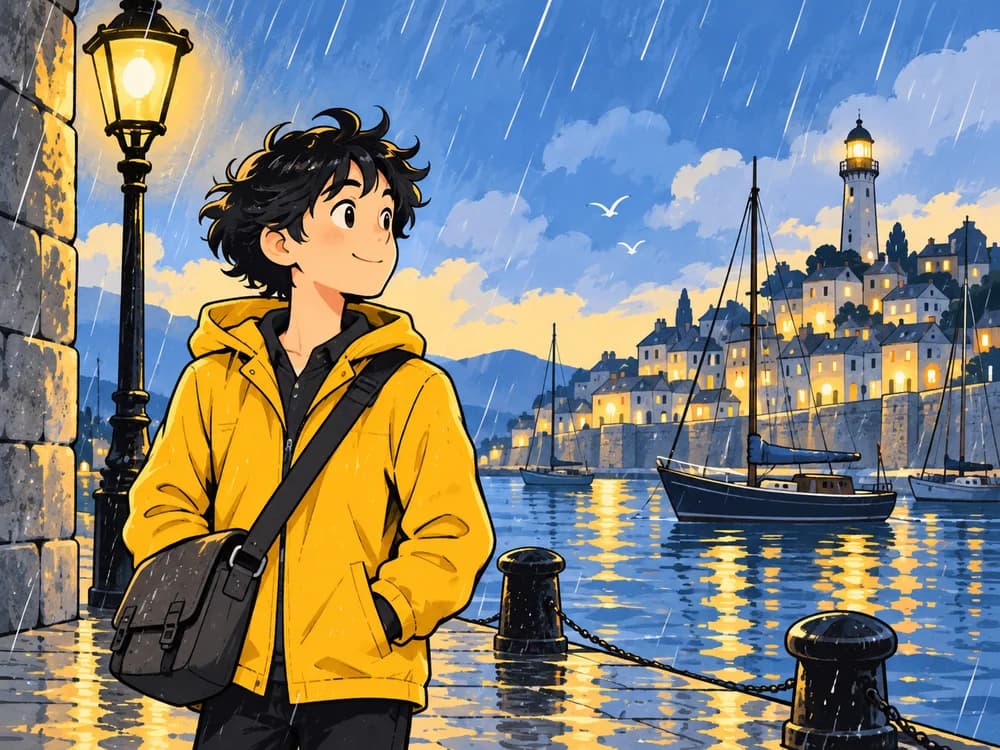
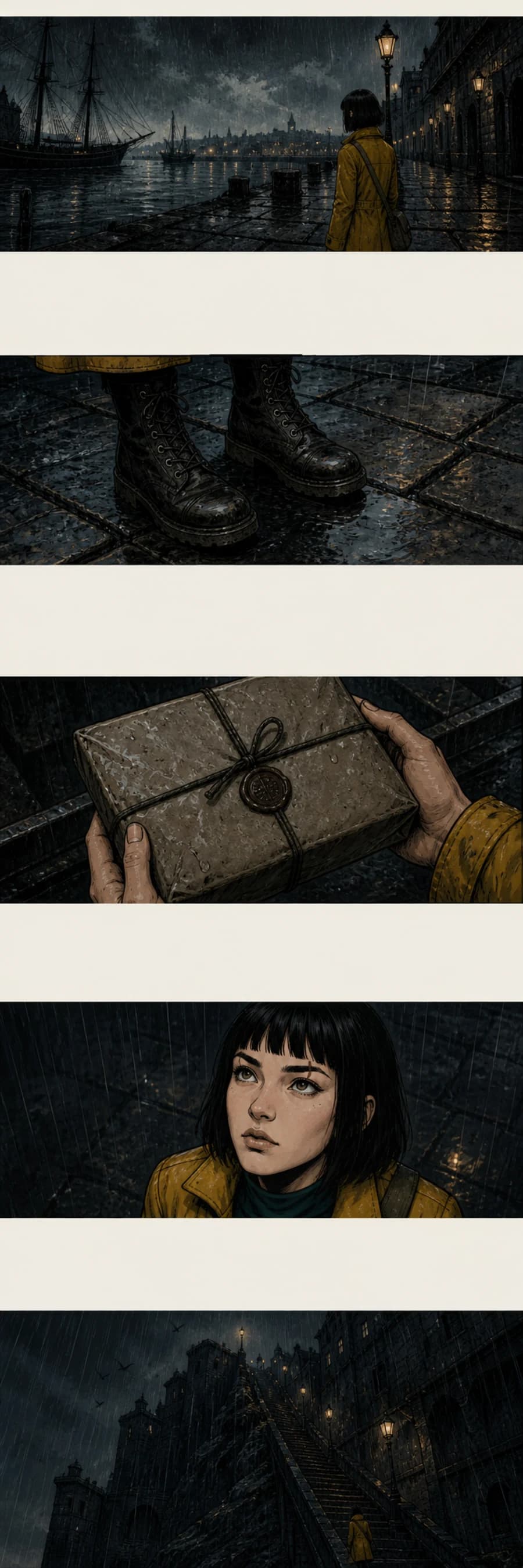
03The same scene as a vertical webtoon scroll: five wide images stacked with large off-white gaps between them

Webtoon scroll

Tall canvas, safe spacing, chunked to spec

exports as long image + chunks
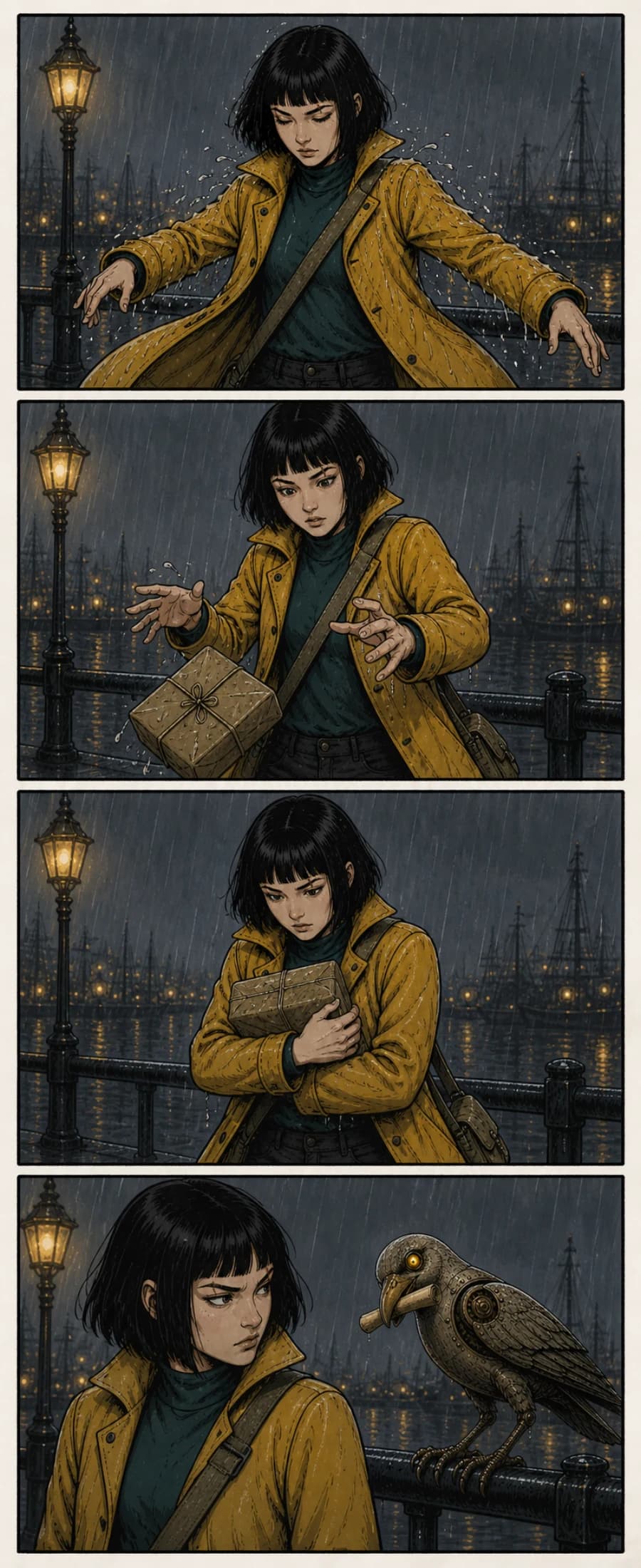
04The same characters as a four-panel strip: Mira shakes off rain, drops the parcel, catches it, then glares at a mechanical seagull

4-panel strip

Yonkoma or horizontal

exports as PNG, carousel
05The same scene as a 4:5 social tile: Mira on the harbour stairs seen from below, mustard coat and lamp flare

Social carousel

4:5 or 1:1 tiles with numbering

exports as PNG
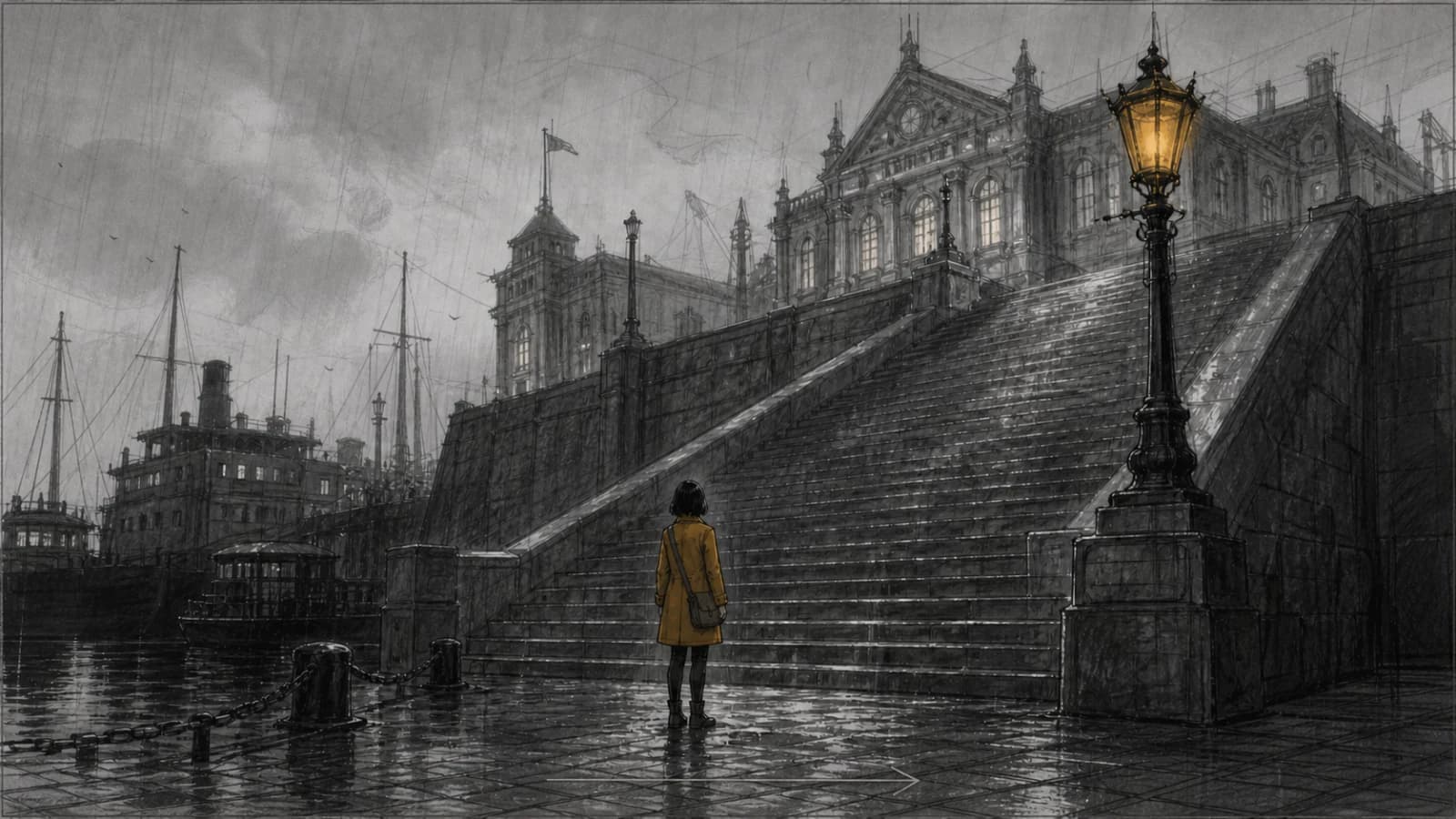
06The same scene as a 16:9 storyboard frame: grey marker wide shot of Mira at the base of the harbour stairs with a camera push-in arrow

Storyboard

16:9 frames with shot notes

exports as PDF, PNG
Switch a project's page size later — layout changes never cost credits.

Made with ComicWave

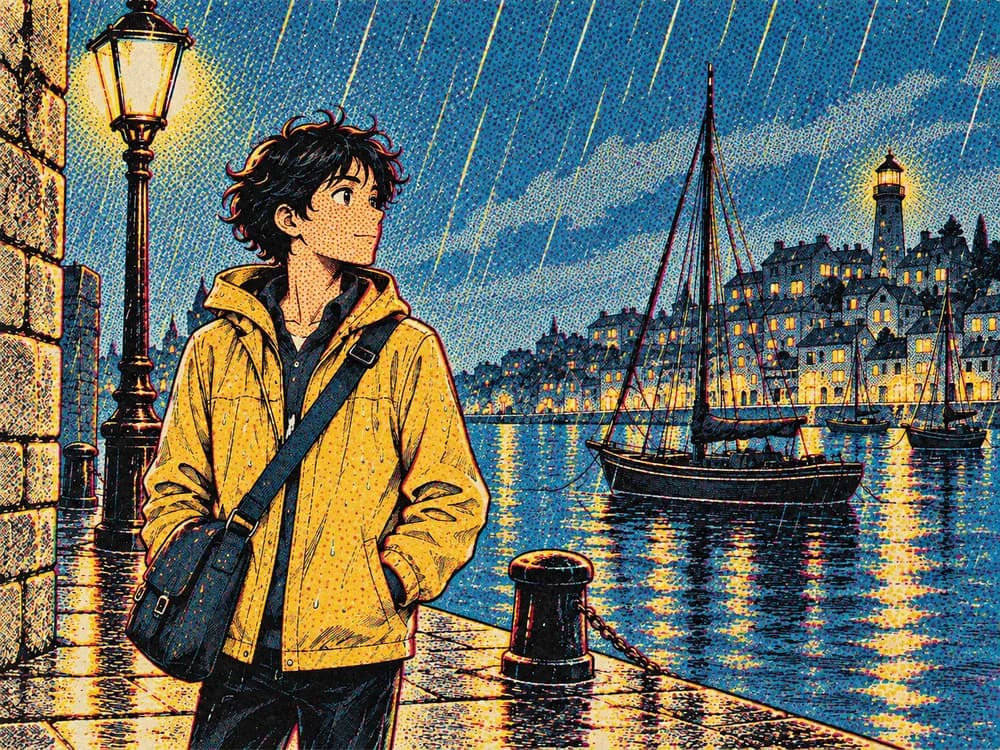
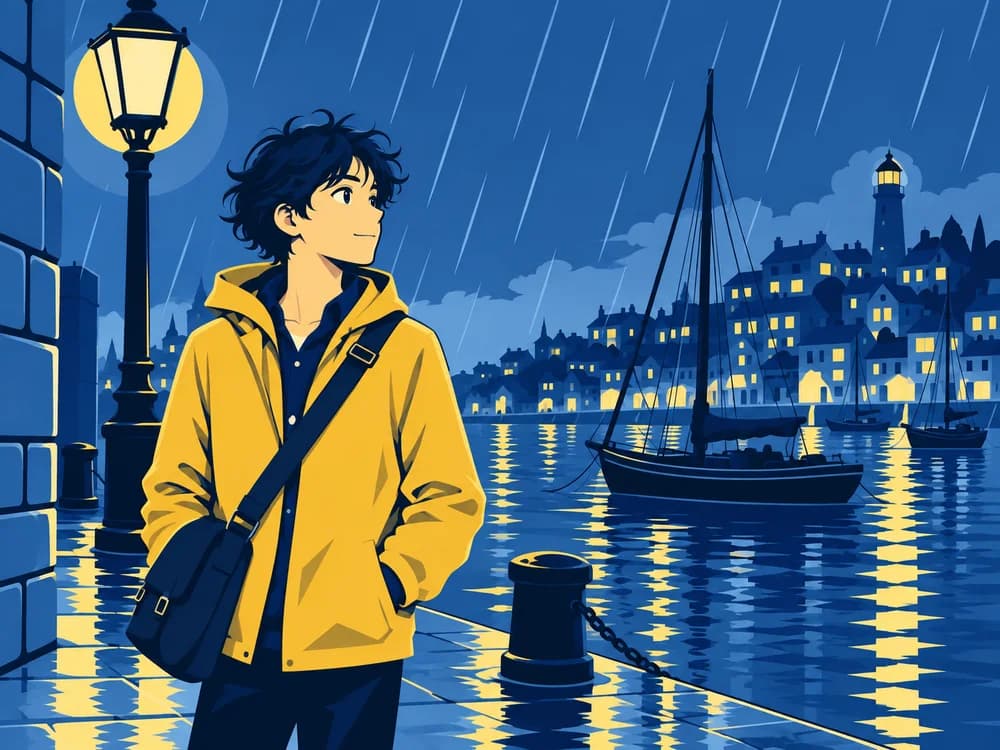
Sample comics made in-house to show the range of stories and styles you can build with ComicWave — not submitted user work.

ALLManga B&WWebtoon soft colourAmerican bold inkIndie inkLigne claireNoirCartoonWatercolourShōnen colour
US comic pageManga pageWebtoon4-panel stripCarouselStoryboard
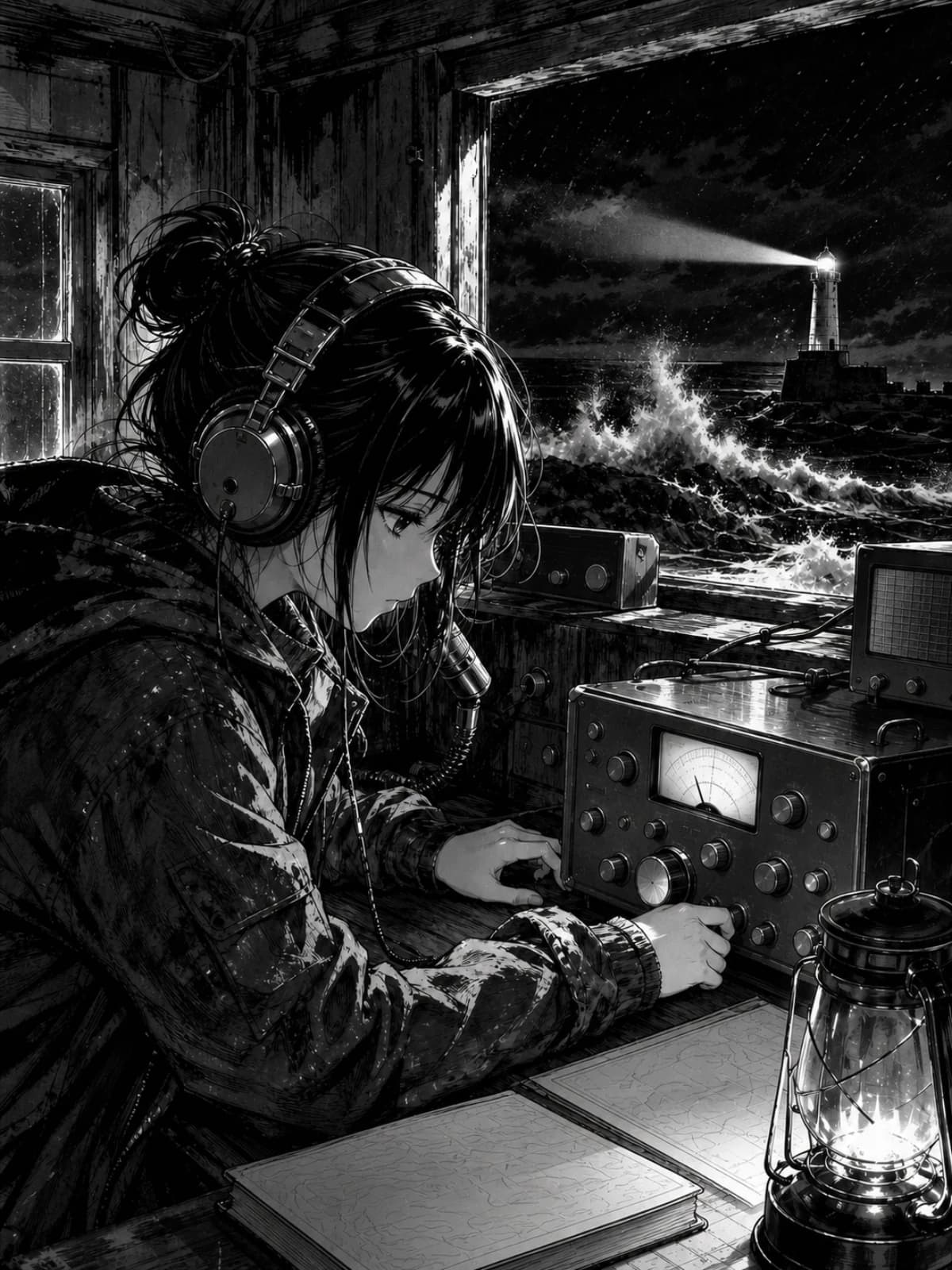
Signal from Pier 9: a black-and-white manga page, radio operator listening in a storm-lit lighthouse02
Signal from Pier 9
Manga B&W · 6 panels
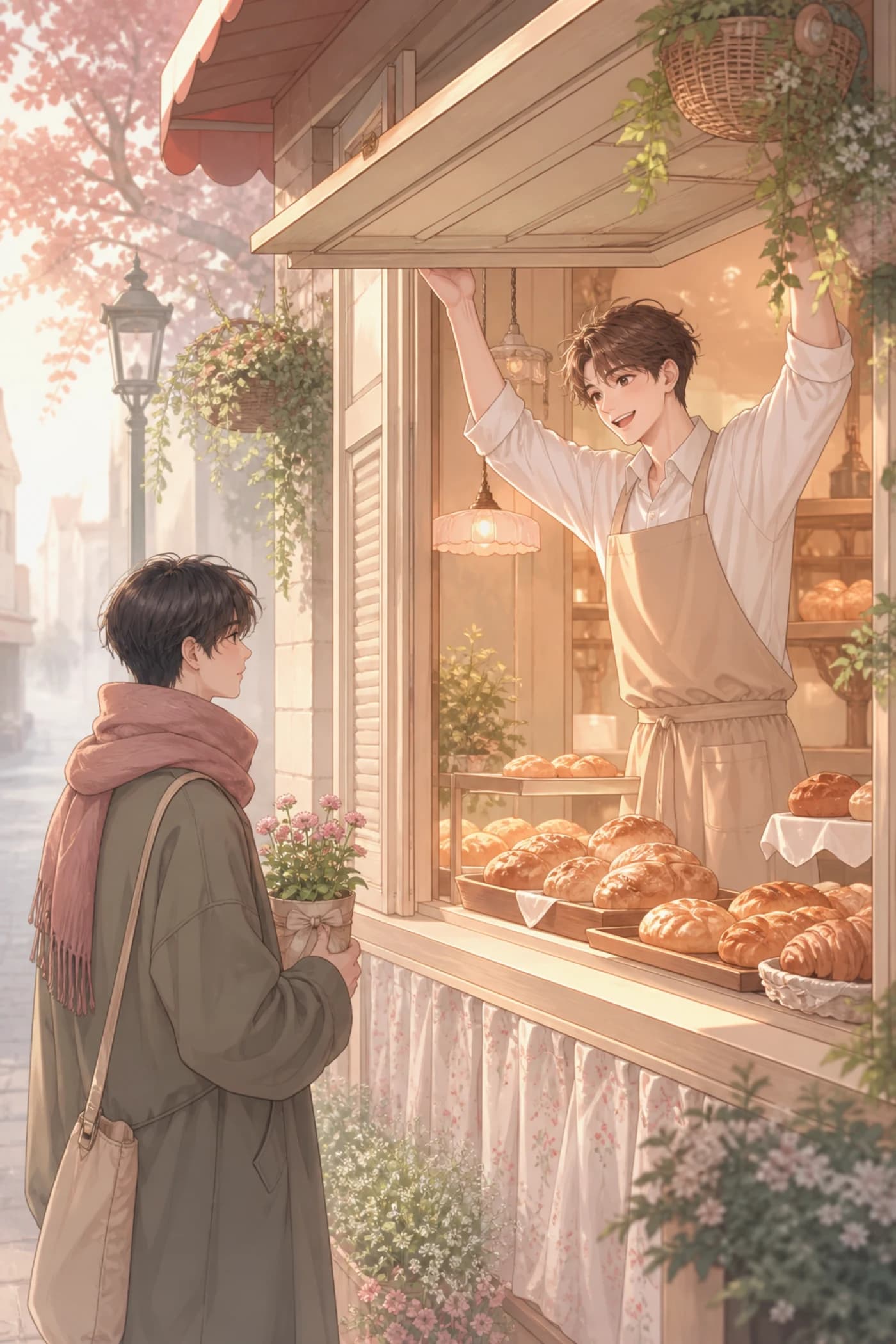
The Quiet Bakery: a soft-colour webtoon scene at a dawn bakery window03
The Quiet Bakery
Webtoon · 18 panels
Lunch Break Yokai: bright flat cartoon, three yokai sharing a bento on a rooftop04
Lunch Break Yokai
4-panel strip · 8 strips
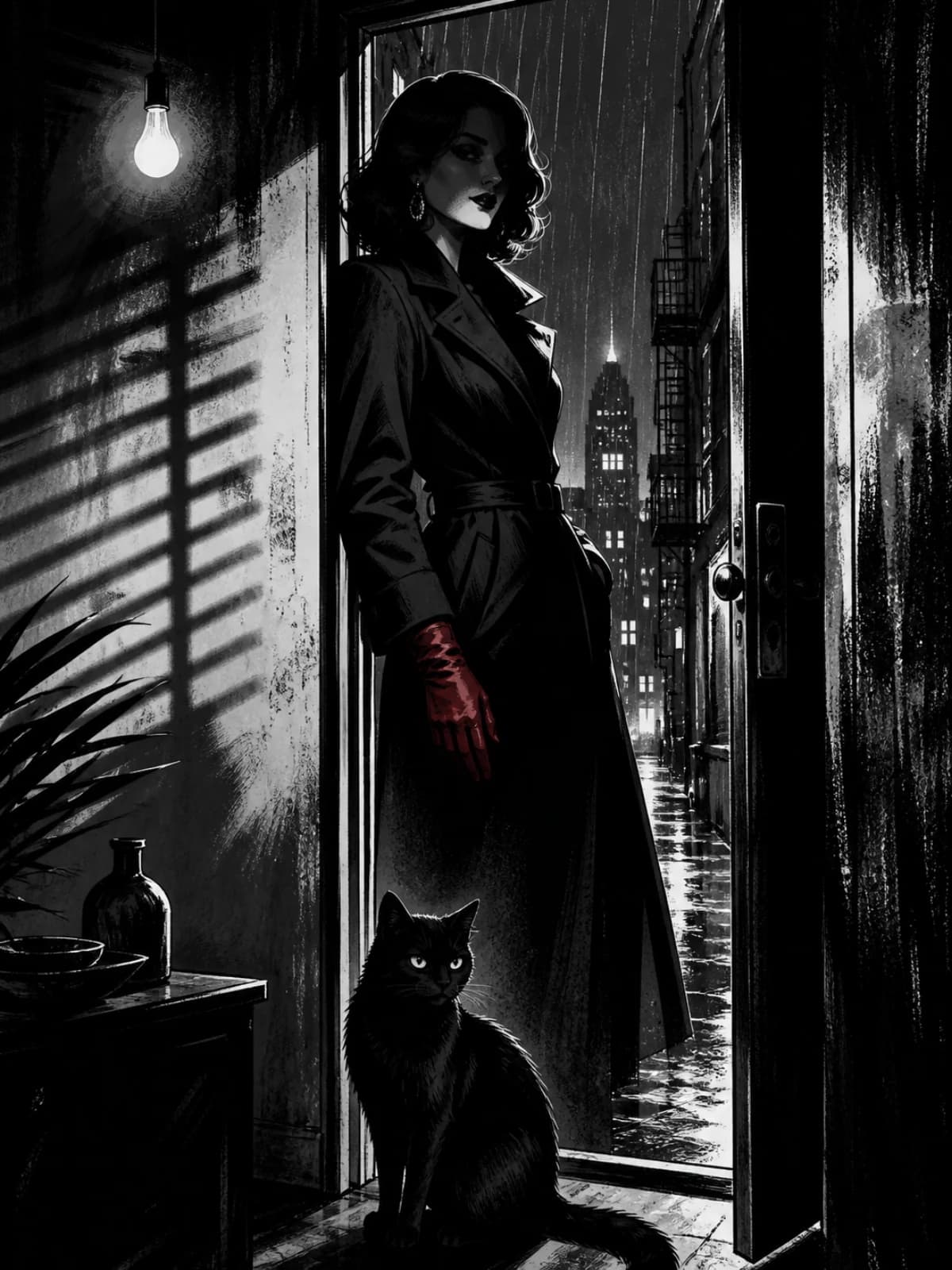
Nine Lives of Ada: high-contrast noir, a woman in a doorway with a black cat05
Nine Lives of Ada
Noir · 5 pages
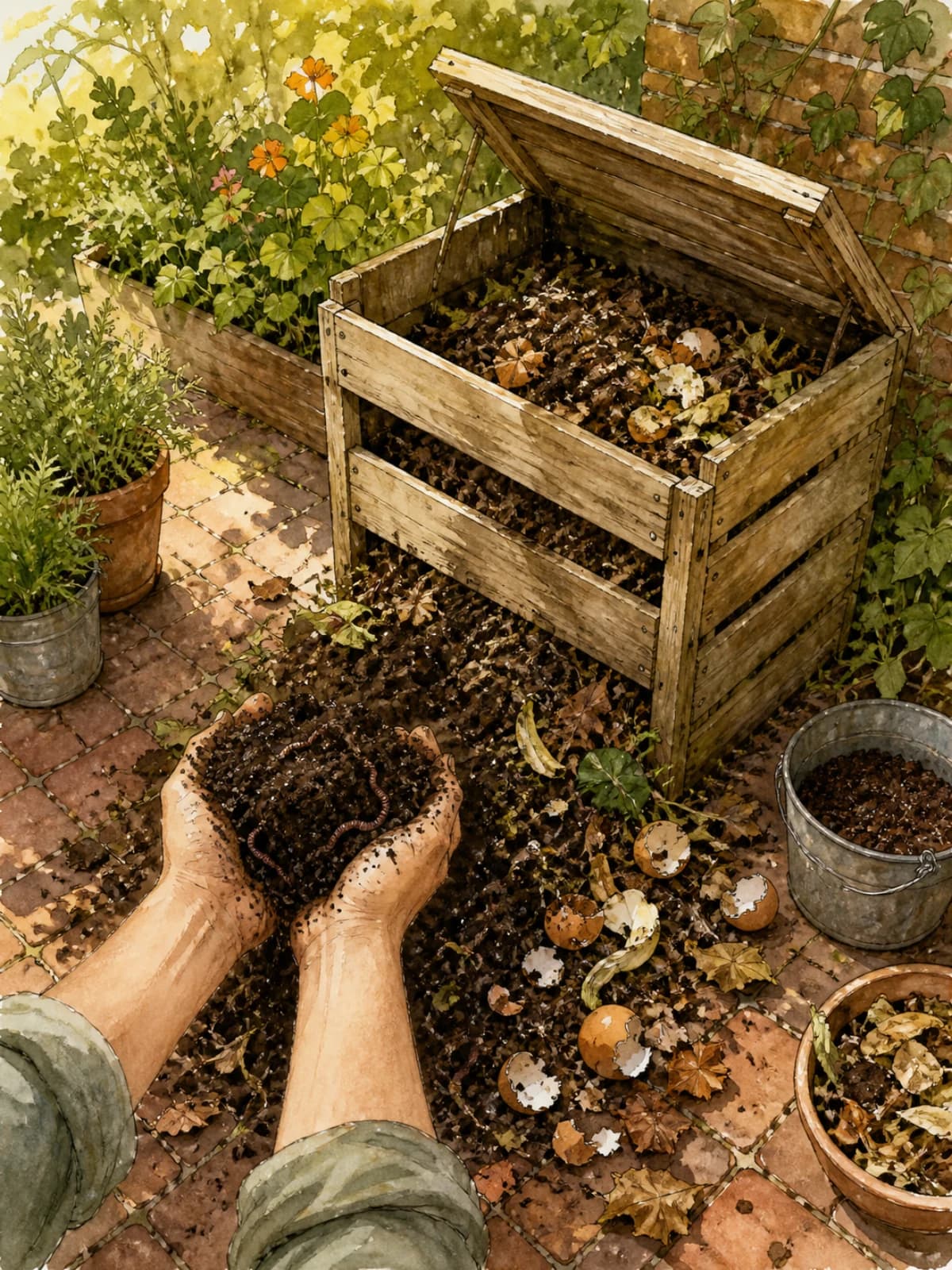
How Compost Works: a watercolour garden corner, compost bin open, bare forearms lifting a handful of dark soil06
How Compost Works
Carousel · 6 slides
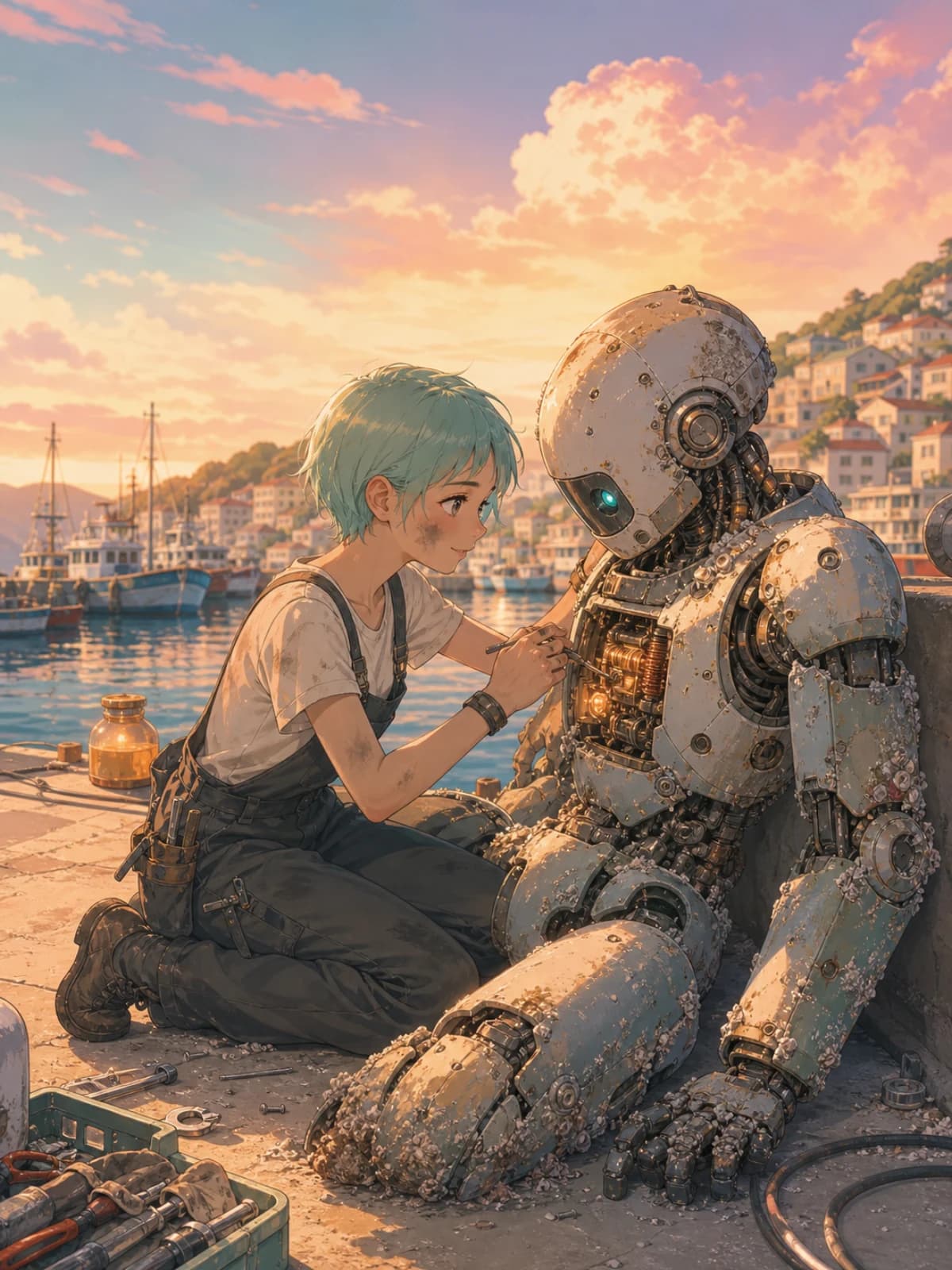
Salt & Circuit Episode 1: a green-haired mechanic repairing a salt-crusted robot on a pier at golden hour07
Salt & Circuit · Ep 1
Webtoon soft colour · 24 panels
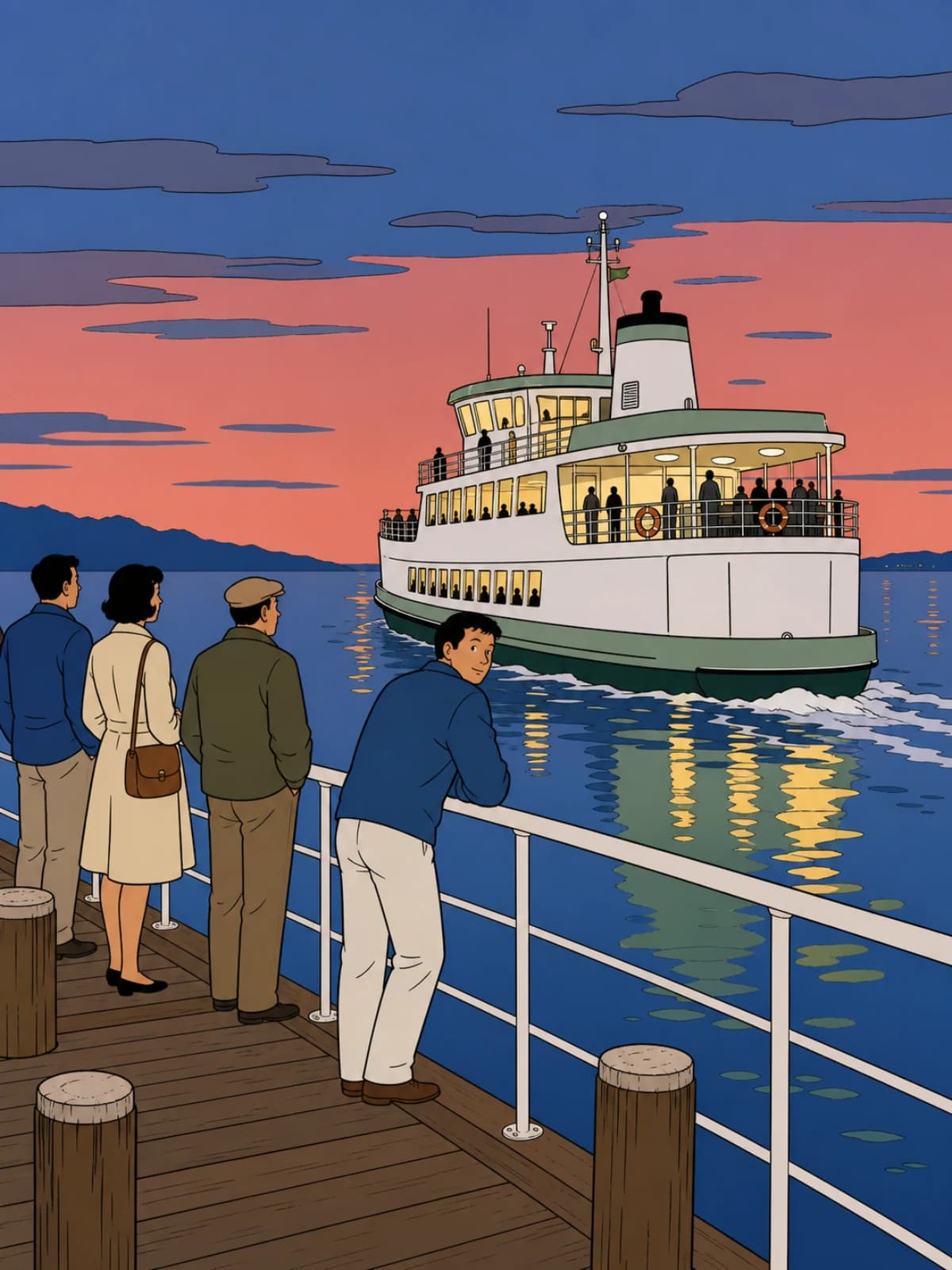
Ferry at Dusk: ligne claire commuter ferry leaving a jetty at dusk, passengers along the rail08
Ferry at Dusk
Ligne claire · 9 panels
Storyboard: Cold Open — three grey marker storyboard frames with camera arrows09
Storyboard: Cold Open
Storyboard · 12 frames

Who it's for

CM

Comic & manga creators

Storyboard faster, reuse approved cast references, letter properly, and export to print or KDP-ready PDF later.

WT

Webtoon creators

Vertical layouts, chunked exports to spec, episodes that share one cast and world. “Continue a series” starts the next episode with everything already approved.

WR

Writers & novelists

See your chapter as panels. Turn a scene into a teaser strip or a pitch page. Keep the prose close or let it adapt.

TE

Teachers

Clear, editable explainer comics for lessons — change a line without regenerating a thing.

MK

Marketers & agencies

Branded strips and visual explainers with reusable characters and clean lettering, at social sizes.

Why not just prompt an image model?

You can get one good picture from a chat box. A comic needs the same people across pages, dialogue that isn't baked into pixels, a plan you can change, and a file your platform will accept.

A general image chatComicWave
Character sheets you approve and lock
Continuity across scenes and pages
Editable story plan and storyboard
Regenerate one panel, keep the rest
Repair with a mask (outside pixels untouched)
Real speech bubbles, tails and SFX
Editable horizontal lettering with CJK fallback
Webtoon / print / carousel export to spec
Version history and compare
Cost shown before generation, released on failure

What the beta must prove

01

Can a first-time creator finish a short comic without support stepping in?

Beta acceptance criterion · completion
02

Does a masked Repair change only the intended pixels while keeping the accepted version recoverable?

Beta acceptance criterion · control
03

Do rejection reasons improve later requests without silently changing approved project state?

Beta acceptance criterion · continuity
04

Can support explain every credit movement and safely recover a stuck job without direct database edits?

Beta acceptance criterion · operations
We publish attributed customer quotes only after participants approve the wording and attribution.

Create, keep characters consistent, letter and export.

Choose monthly or save the cost of two months with annual billing. Annual credits are released monthly. Final currency, taxes and renewal terms are confirmed at checkout.

Free
$0
50 credits once
1 private project
2 saved characters
Standard-quality generation
Fast Comic and Story to Comic
Editable balloons, captions and lettering
PNG and JPEG export
ComicWave watermark
Community support
Starter
$10/ mo
$120 billed annually
200 credits every month
5 private projects
10 characters with saved references
Draft and Standard quality
Variation and revise actions
Background removal and upscale
Editable balloons, captions and lettering
All export formats
No export watermark
Commercial-use rights
5 GB storage
CREATORRecommended
$20/ mo
$240 billed annually
650 credits every month
Unlimited private projects
50 characters with continuity references
Draft, Standard and Final quality
Masked repair that preserves untouched pixels
Restyle, reframe and object replacement
Character, outfit, prop and location continuity
Automatic editable captions and lettering
Print PDF, webtoon and carousel exports
Print presets with bleed
No export watermark
Commercial-use rights
25 GB storage and 3 concurrent jobs
Studio
$60/ mo
$720 billed annually
2,200 credits every month
Everything in Creator
Unlimited saved characters
100 GB storage
6 concurrent generation jobs
Highest-priority generation queue
All Studio image actions and quality tiers
Multi-page projects and reusable templates
Multilingual, RTL and vertical lettering
Priority support

BUILT FOR FINISHED COMICS — NOT ONLY AI IMAGES

ComicWave combines the creation features people expect from leading comic generators with a production editor designed for work that must remain editable.

Idea, script and story-to-comic planning
Single-page and multi-page comics
Reusable character sheets and visual references
Character, outfit, prop and location continuity
Fast Comic and full Studio workflows
Automatic captions kept separate from artwork
Editable vector balloons, tails, captions and sound effects
Masked repair and targeted image changes
Variations, revision, restyling and reframing
Background and object replacement or removal
Print, PNG, JPEG, WebP, webtoon and carousel exports
Bleed, safe-area and export validation
Reading-direction and multilingual lettering support
Private projects, version history and accepted-art tracking
Upfront credit estimates and an append-only ledger
Automatic credit release for eligible failures
EXACT CREDIT COSTS
Draft panel or image action9 cr
Standard panel or image action15 cr
Final panel or image action35 cr
Character sheet15 cr
Background removal2 cr
Upscale2 cr
Full story planning4 cr
Four-panel Standard page60 cr
Layouts, lettering and exportsfree

Credits are reserved when a job starts and settled only when it succeeds. Platform retries never charge twice. A typical four-panel Standard page uses 60 credits because ComicWave generates four separately editable panels.

Credit packs100 cr · $5.99300 cr · $15.991,000 cr · $44.99
Plan credits are added every month. Credit-pack terms, final tax and currency are shown by Polar before purchase.

Questions

Start with the sample story.

Open The Lantern Courier, redo a panel, move a bubble, export a page — free, no card.

Start free — 50 creditsRead the docs
AI COMIC MAKER · PRIVATE BETA

The AI comic generatorthat remembersyour characters.

Plan a story, generate every panel as its own asset, and letter it with real editable text. One bad frame is one small job — never a new page.

Start freeSee a finished page
50 free credits · no card · costs shown before every job
Panel 1 of The Lantern Courier01
Panel 202
Panel 303
Panel 404
Panel 505
Panel 6, still drawing62%06
You're the Vane girl.
EDITABLE TEXT — NOT PIXELS
The Lantern Courier · 12 panels · one cast · Quick Compose
A manga page made with ComicWave
MANGA B&W
A webtoon scene
WEBTOON
A four-panel strip
4-PANEL
A social carousel comic
CAROUSEL
Webtoon chunks to platform spec
300-dpi print PDF with bleed
Horizontal lettering · CJK font fallback
Projects are private. We don't train on your work.

Start where you are.

Fast Comic

Got a joke, a lesson, a scene? Pick a style and a layout, approve the plan, and generate a 3–8 panel comic with real bubbles you can edit.

Make a fast comic
Story to Comic

Got a chapter, a script or a whole story? ComicWave breaks it into scenes, pages and panels, builds your cast, and generates page by page. You approve every step before it costs anything.

Turn a story into a comic
Studio

Already know what you want? Start on a blank page or scroll, add panels, art and characters yourself, and letter it with 40+ bubble styles.

Open a blank Studio
Also: import TXT, Markdown, DOCX, text-based PDF, or Fountain · continue a series from an existing cast and world. FDX and scanned-PDF OCR are coming soon.

Visual drift compounds across panels.

The face drifts. The coat changes colour. The lamp moves. A comic isn't twelve pictures — it's one story told twelve times with the same people. So ComicWave is built around memory: approved character sheets every panel is drawn from, outfits and props tracked scene by scene, and a correction memory — reject a panel for "wrong coat" once and the project remembers.

We call this Visual Continuity Lock.
COMICWAVE · SCENE 01–03
Mira in panel 1 — same bob, scar and mustard oilskin coatP1
Mira in panel 5 — unchangedP5
Mira in panel 9 — unchangedP9
Same Mira — same sheet, same coat, same rain
A SINGLE-PROMPT IMAGE TOOL
Panel 1 drifted — coat, hair and face have changedP1
Panel 5 driftedP5
Panel 9 driftedP9
Three different Miras

How it works

01Paste an idea

A premise, a chapter or a script. Prose, outline and screenplay all work.

02Read the plan

Scenes, page breaks, panels and dialogue as editable text — before anything is drawn.

03Approve the cast

Five anchor views per character, labeled and attached to relevant panel jobs to reduce drift.

04Draw panel by panel

Each panel is its own job. One failure never sinks the page.

05Letter it

Editable bubbles, captions and SFX with 24 procedural bodies. Rewriting a line does not redraw art.

06Export to spec

Print PDF, webtoon chunks or social crops, validated before download.

Your first page stays editable.

Quick Compose is how Fast Comic and Story to Comic actually generate. Instead of one flat image, ComicWave draws every panel as its own asset, at the same time, and places them into a layout it already knows.

Panel 1 finished01
Panel 2 at 64%02
03
01 DONE · 02 AT 64% · 03 QUEUED
Panels arrive as they finish

You're reading panel one while panel four is still drawing.

Panel 404
Panel 606
05
Panel 707
05 FAILED · RELEASED 2 CR
Redo one, keep eleven

A failed or wrong panel is its own job. Its siblings never move.

Panel 5 as its own object05
Panel 6 as its own object06
Panel 7 as its own object07
Panel 8 as its own object08
0 CR · NOTHING TO CONVERT
Studio is a door, not a conversion

Panels are already separate objects, so opening the editor is instant and free.

What you actually get

A cast built from approved references.

Approve a character sheet once — headshot, full body, profile, expressions, poses. It is labeled and sent with relevant panel jobs to reduce drift; generated results still need review.

Visual Continuity Lock.

Outfits and props are tracked scene by scene. Reject a panel for the wrong coat once and the correction becomes a project rule.

A plan you can argue with.

Synopsis, beats, scenes, page breaks and panel specs all arrive as editable text — before anything is drawn, and free to redo.

Fix one panel without touching eleven.

Variation, Revise, Repair, Restyle, Reframe. Each acts on one panel and lands as a new version; the accepted one stays until you say otherwise.

Bubbles are real text.

24 bubble bodies, four tail families, captions and editable SFX. Rewriting a line does not redraw the art.

Lettering that speaks your language.

Horizontal lettering with pinned self-hosted fonts; advanced vertical and RTL composition remain planned.

Comic Copilot, with a preview first.

Ask for a change in one line and see the diff — which bubbles, which panels, what it costs — before anything is applied.

Made for where it’s going.

Webtoon chunks to platform spec, 300-dpi print PDF with trim and bleed, social crops with safe areas. Validated before download.

Credits you can see.

Every job shows its cost first. Credits are reserved, settled on success, and released if something fails.

Yours, and private.

Projects are private and ComicWave does not use them to train models. Publishing rights still depend on applicable law and third-party rights.

You keep the pen.

Studio is a real page editor: pages and scrolls, panels with gutters and borders, layers, undo, keyboard shortcuts. Nothing about it is a wrapper around a prompt box.

ComicWave Studio: page 2 of The Lantern Courier with a speech bubble selected, the inspector open on the right and the Copilot bar underneath.
Studio — page 2 of The Lantern Courier, bubble selected. Full editing needs a desktop; text edits work on a phone.

Six formats,
one project

4-panel strip
2400 × 600
Square social
1080 × 1080
Manga page
B5 · RTL
Comic page
US · A4
Webtoon scene
800 × long
Storyboard
16:9 frames

Made with ComicWave

Sample comics made in-house to show the range of stories and styles you can build — not submitted work.

The Lantern Courier
The Lantern Courier
3 scenes · 12 panels · indie ink
Salt and Circuit
Salt & Circuit
Series · 3 episodes · webtoon
Lunch Break Yokai
Lunch Break Yokai
4-panel strip · manga B&W
How Compost Works
How Compost Works
8 panels · A4 explainer
Nine Lives of Ada
Nine Lives of Ada
4 pages · screentone manga

Who it's for

Comic & manga creators

Storyboard faster, reuse approved cast references, letter properly, and export to print or a KDP-ready PDF later.

Webtoon creators

Vertical layouts, chunked exports to spec, episodes that share one cast and world.

Writers & novelists

See your chapter as panels. Turn a scene into a teaser strip or a pitch page.

Teachers

Clear, editable explainer comics for lessons — change a line without regenerating a thing.

Marketers & agencies

Branded strips and visual explainers with reusable characters and clean lettering, at social sizes.

Why not just prompt an image model?

You can get one good picture from a chat box. A comic needs the same people across pages, dialogue that isn't baked into pixels, a plan you can change, and a file your platform will accept.

CHATCOMICWAVE
Character sheets you approve and lock
Continuity across scenes and pages
Editable story plan and storyboard
Regenerate one panel, keep the rest
Repair with a mask (outside pixels untouched)
Real speech bubbles, tails and SFX
Horizontal lettering; vertical and RTL composition are planned
Webtoon / print / carousel export to spec
Version history and compare
Cost shown before generation, released on failure

What the beta must prove

Can a first-time creator finish a short comic without support stepping in?

Acceptance criterion · completion

Does masked Repair change only the intended pixels while keeping the accepted version recoverable?

Acceptance criterion · control

Do rejection reasons improve later requests without silently changing approved project state?

Acceptance criterion · continuity

Can support explain each credit movement and recover a stuck job without direct database edits?

Acceptance criterion · operations
Customer quotes appear only after participants approve the wording and attribution.

Pricing

Credits are reserved before a job and released if it fails. Fast Comic planning is free; Story to Comic shows its credit hold first.

Free$0
50 credits to start, 1 private project and editable lettering. PNG and JPEG export include an ComicWave watermark.
Starter$12 / mo
200 credits a month, 5 private projects, Draft/Standard quality and no watermark.
Creator$24 / mo
650 credits a month, Final quality, every image action, all exports and no watermark.
Studio$72 / mo
2,200 credits, unlimited saved characters, 6 concurrent jobs and priority support.
Final price, currency, taxes and renewal terms are confirmed in secure checkout.

Questions

Start with the
sample story.

Start free