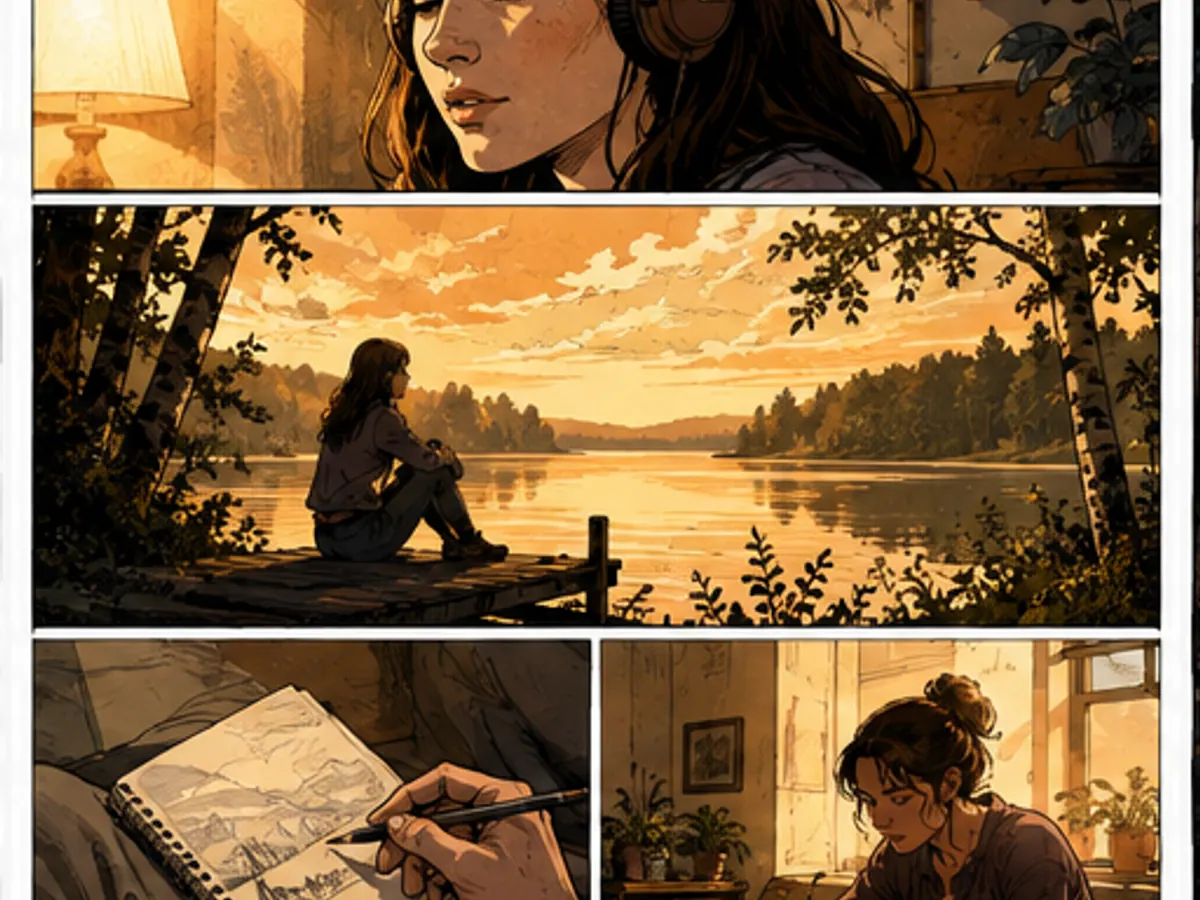
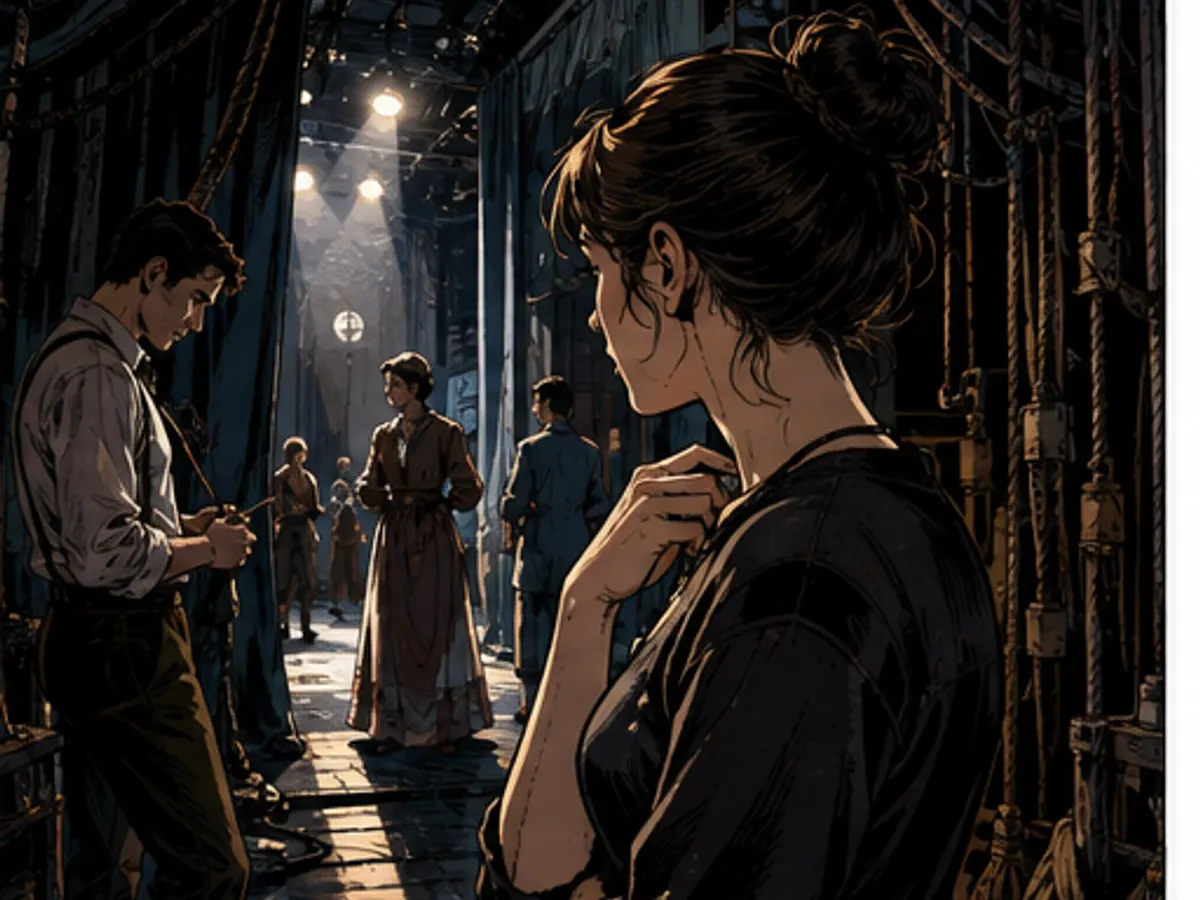
ComicWave keeps the script-to-comic adaptation plan, generated panels and lettering as separate stages. You can review the structure before drawing and replace one weak result without discarding accepted work.
Script to comicAI.
Script to comic AI converts scene headings, action and dialogue into an editable comic plan. Review the detected cast, locations, beats and spoken lines before drawing, then generate separate panels and keep lettering live for later revisions.
Try it here
Fast Comic planning is free — you approve before anything is drawnScript conversion specs
- Input
- Pasted screenplay, stage scene or dialogue
- Detection
- Scenes, cast, locations and spoken lines
- Adaptation
- Visual beats with editable panel count
- Review
- Source beside proposed comic plan
- Drawing
- Only approved panels are generated
- Output
- Page, strip, storyboard or vertical scene
What the script parser finds
Review the structure before any art is queued.
- Scenes
- 1
- HIGH
- Characters
- Mara · Dev
- HIGH
- Locations
- Diner interior
- Dialogue lines
- 8
- Panel beats
- 6
- CHECK
- .txt · .md · .fountain
- Text and screenplay files
- .docx · text .pdf
- Secure text extraction
- .fdx
- SOON
- Scanned .pdf · OCR
- SOON
What you get
Compare the proposed panels with the original scene before approving an adaptation.
Split movement and reactions into readable visual beats instead of copying every script line.
Move or rewrite live lettering without repainting the characters behind it.
Use the same reviewed plan for a page, storyboard, strip or vertical comic scene.
How it works
Start with a complete scene that has a location, clear action and a manageable cast.
Check detected speakers, visual beats, omitted action and the proposed panel count.
Draw approved panels, correct individual frames and finish the live lettering.
Scripts adapted into visual beats
Six original adaptation studies made for this page. They demonstrate scene types and blocking, not benchmark results.
Why creators keep control
See exactly what stays under your control. Customer quotes will appear here only when we have permission to publish them.
The visual examples on this page are original concept illustrations made for this topic. They are not customer work, benchmark results or a promise that every generated output will match them.
How we verified this
Why this beats one big prompt
Questions
Related tools
Same category, the next step in the workflow, and something to read.