Product capability
The workflow stays reviewable
ComicWave keeps the comic panel grid plan, generated panels and lettering as separate stages. You can review the structure before drawing and replace one weak result without discarding accepted work.
The free comic panel layout maker starts with practical page presets, then lets you split individual panels, add diagonal edges and check LTR or RTL flow. Export the result as editable SVG, PNG or reusable JSON without creating an account.
Works in your browser
Start from a proven layout or split individual panels. Set the page, gutter and reading direction, then export editable SVG, PNG or JSON.
Select a panel, then split or angle it. Reading order updates automatically.
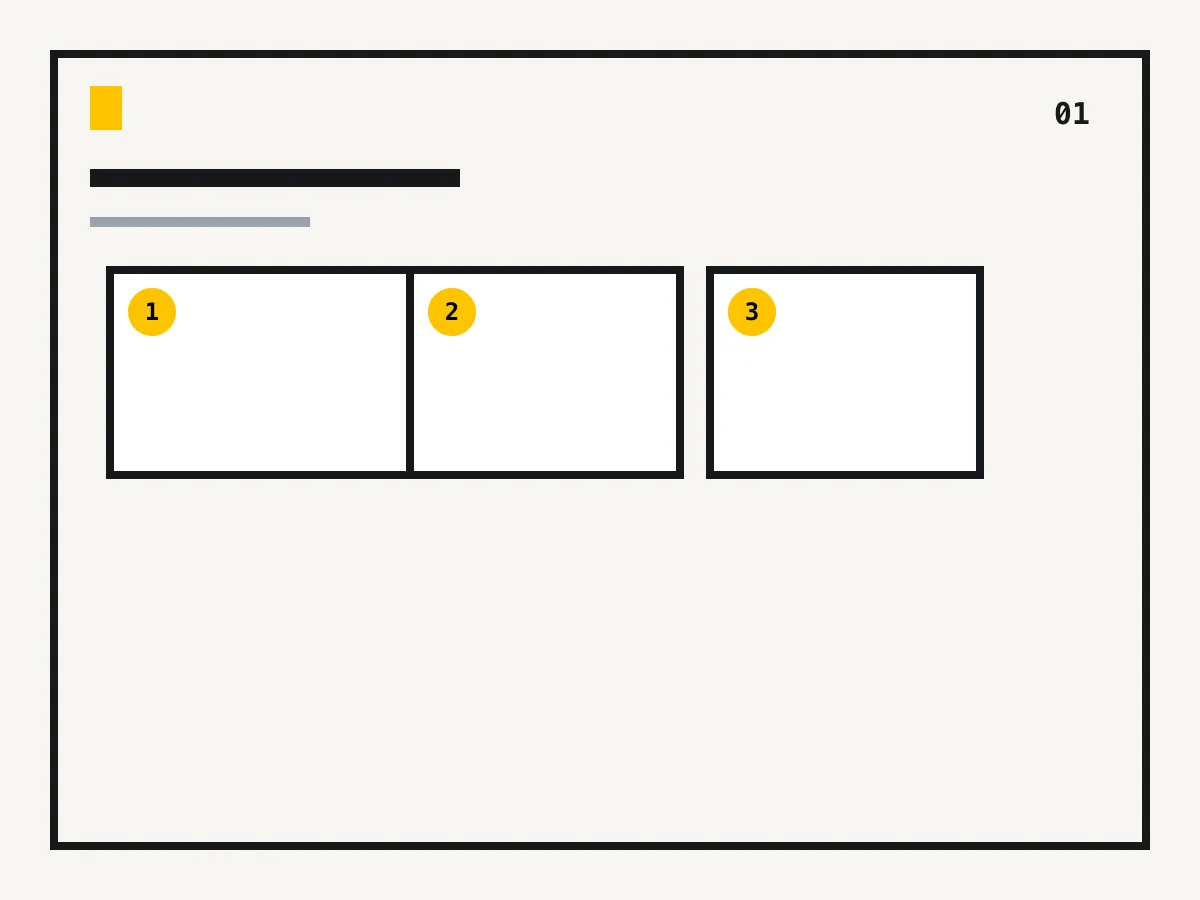
Set the page structure before details compete for space.
Numbered cells make an accidental jump obvious before drawing.
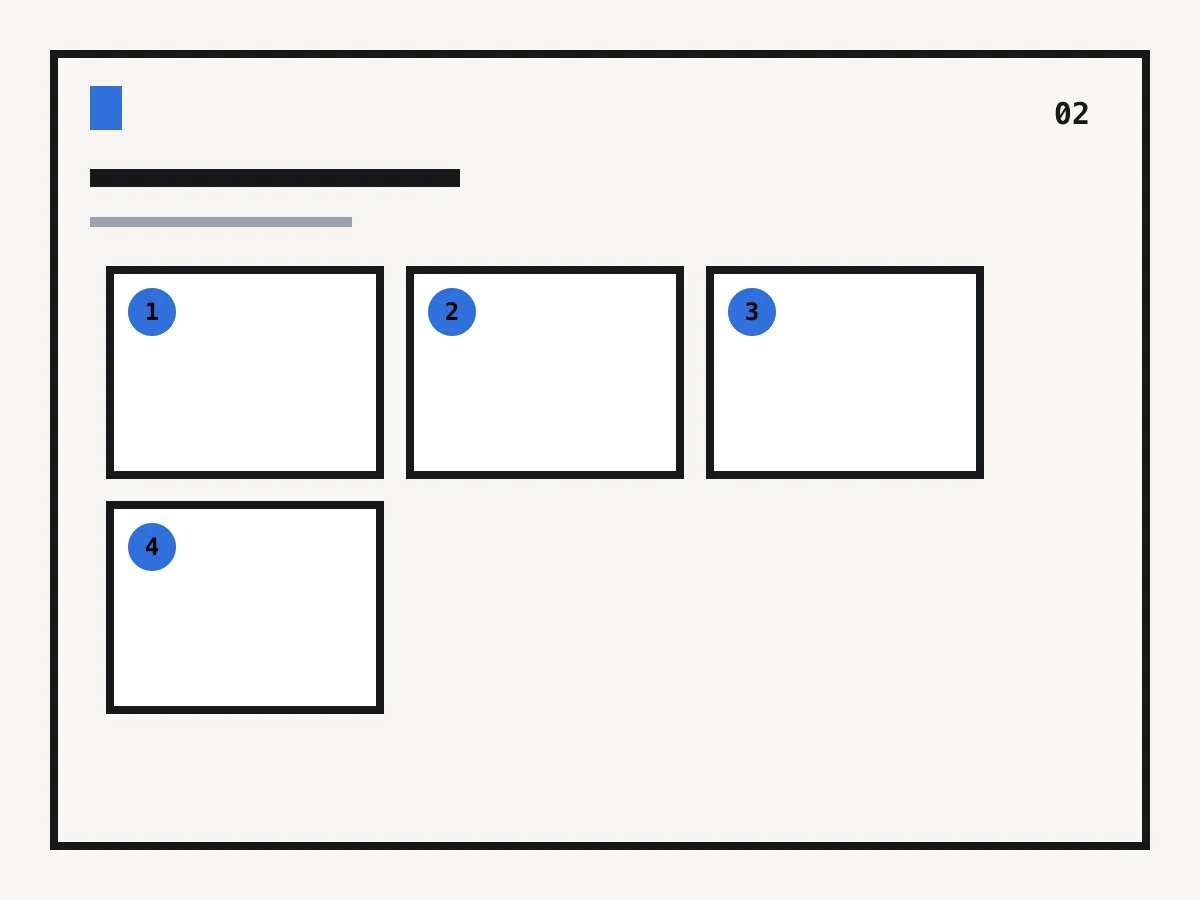
Use consistent separation for normal beats and larger gaps for deliberate pauses.
Take the generated template into a vector or drawing app without a screenshot.
Start with the smallest structure that holds the visible beats in your scene.
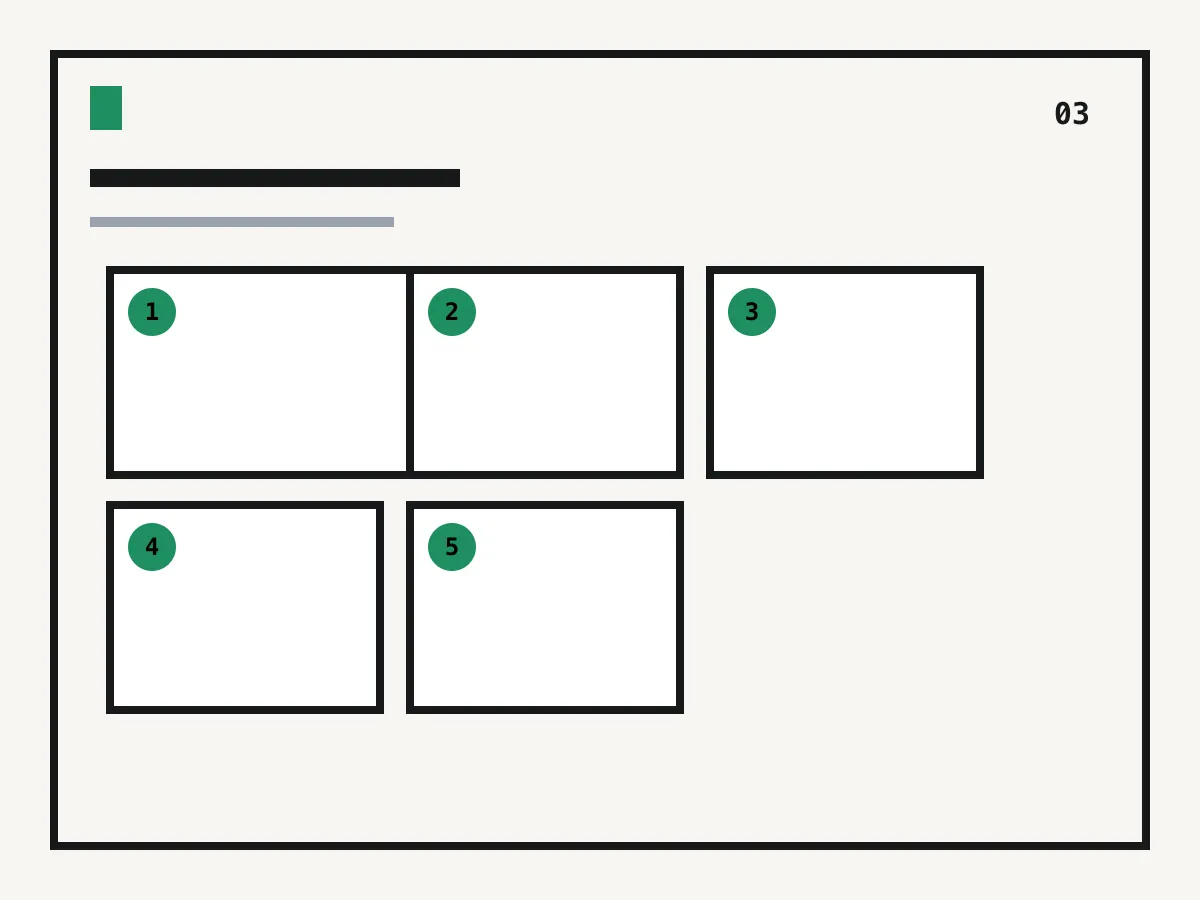
Divide selected panels, use diagonal edges sparingly and verify the numbered reading path.
Export SVG, PNG or JSON, then continue with artwork and lettering in your preferred editor.
These diagrams are generated for this utility. They show practical starting structures, not fixed rules.
See exactly what stays under your control. Customer quotes will appear here only when we have permission to publish them.
ComicWave keeps the comic panel grid plan, generated panels and lettering as separate stages. You can review the structure before drawing and replace one weak result without discarding accepted work.
The visual examples on this page are original concept illustrations made for this topic. They are not customer work, benchmark results or a promise that every generated output will match them.
Choose a page preset, select any panel to split it left-to-right or top-to-bottom, then set the gutter and reading direction. The numbered preview updates before you export.
Yes. The layout builder and SVG, PNG and JSON downloads work before signup in your browser.
Yes. Choose the manga action preset or another structure, switch to right-to-left reading and adjust panels without mentally renumbering the page.
It exports editable SVG, a ready-to-view PNG and reusable JSON layout data. No artwork is baked into the structural template.
Yes. Split individual panels horizontally or vertically and toggle restrained diagonal edges. The reading-order numbers update as the structure changes.
No. It is an empty structural template. Add your own panels and lettering after the page flow is approved.
Same category, the next step in the workflow, and something to read.