Product capability
Move a cut instead of losing a bubble
Preview every episode chunk before download. If a boundary crosses a speech bubble or protected panel area, ComicWave flags it so you can move the cut.
ComicWave’s AI webtoon generator turns an idea, outline or scene into an editable vertical comic. It plans the episode before drawing, creates each panel separately, keeps approved character references attached, and exports a long image or safe chunks you can review before publishing.
Review scene order, panel beats and spacing before generation so reveals and pauses land while the reader scrolls.
Approved character sheets travel with relevant panel jobs as labelled references. Every result still stays open for review.
Speech bubbles and captions remain vector objects. Rewrite a line, move a tail or change a preset without repainting the art.
Download a long image, safe chunks, or both, with a preview that flags any unavoidable cut through protected content.
Start with an idea, outline or scene. Choose the intended episode length and visual style.
Check the beats, cast, dialogue, panel order and estimated cost before any artwork is queued.
Review each panel, edit the lettering, adjust spacing and preview the long image or protected chunks.
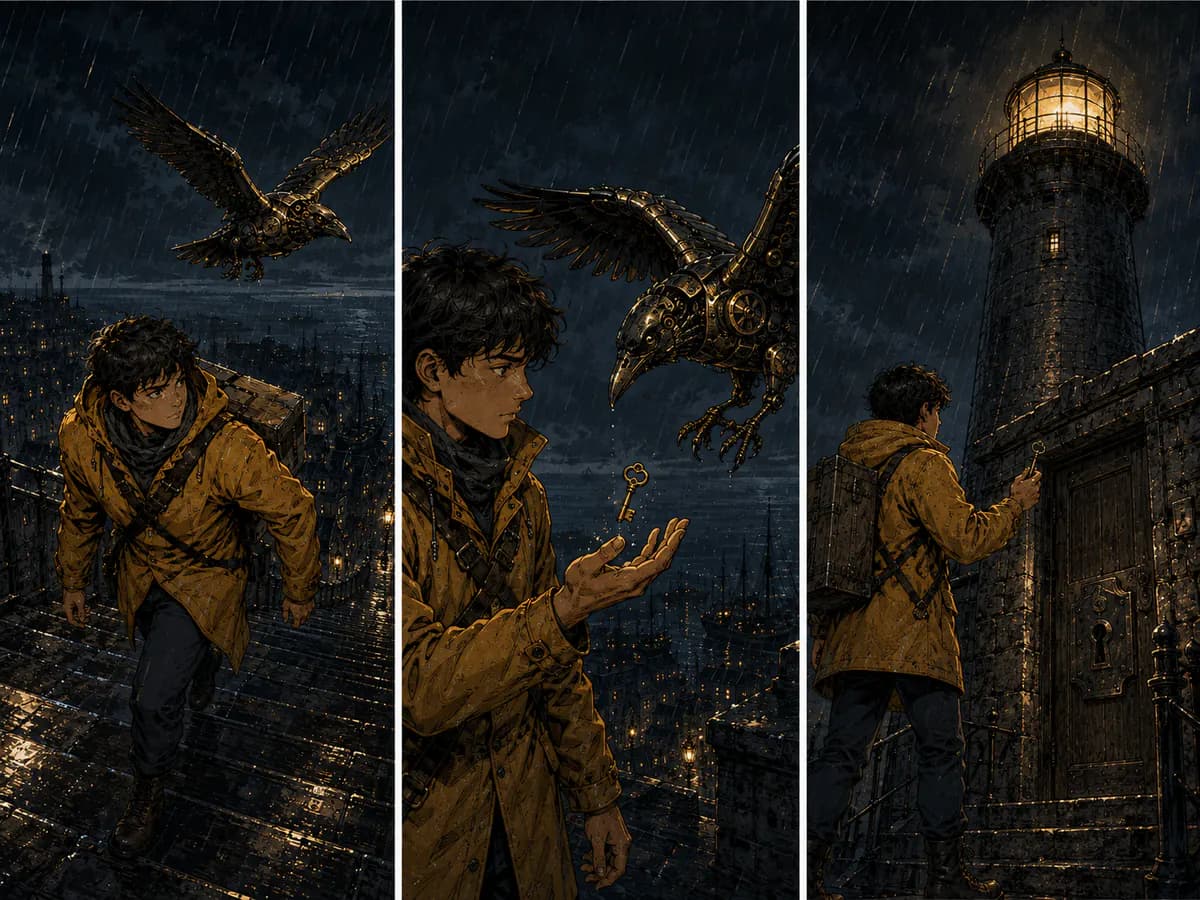
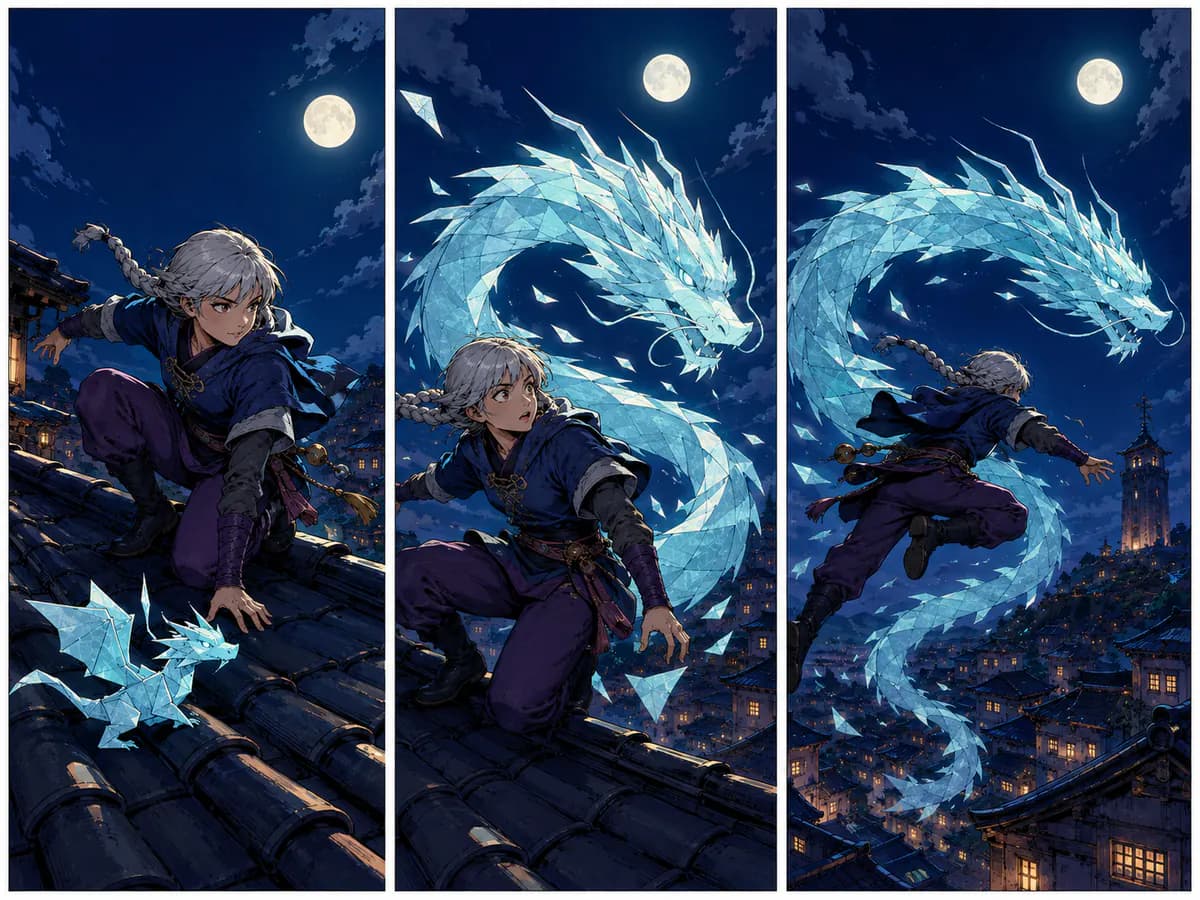
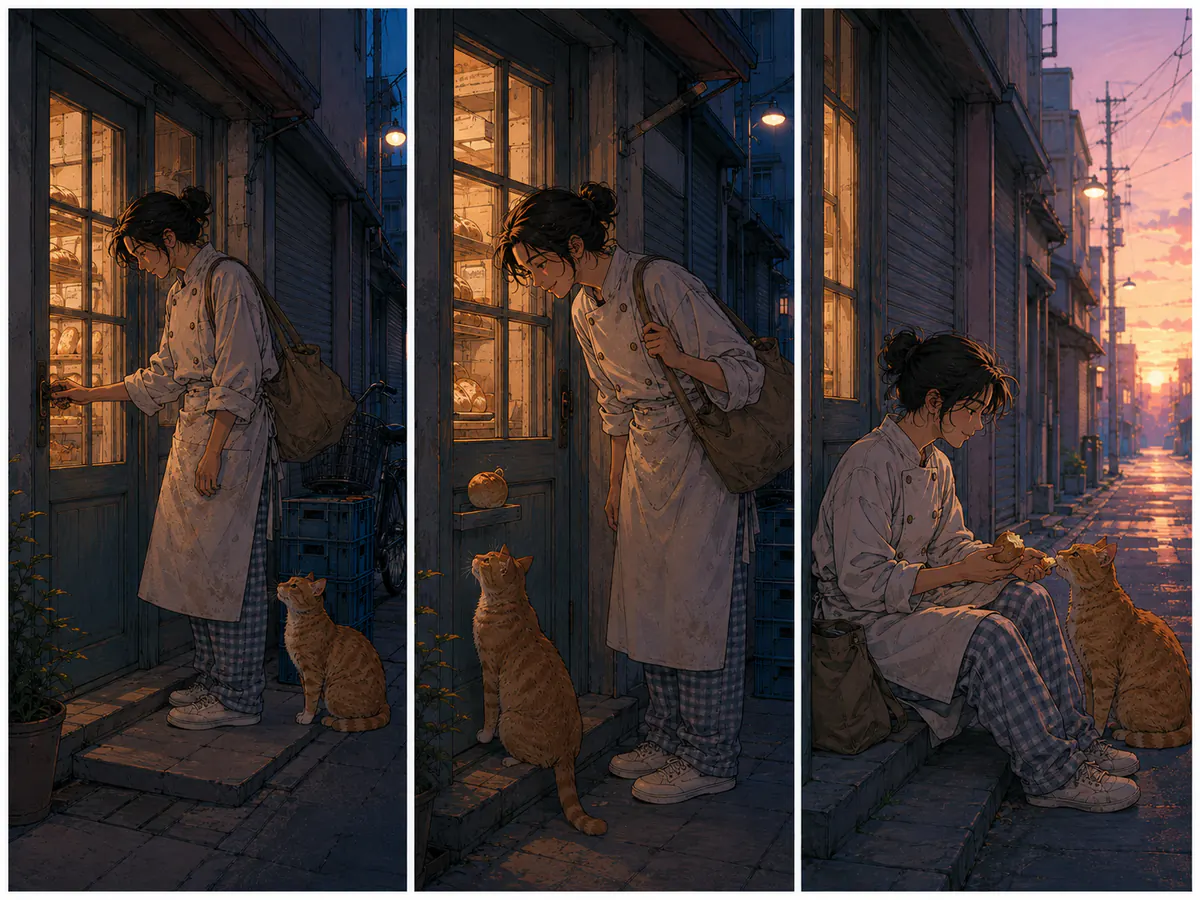
Six original three-panel mini-comics made for this page. Lettering uses a natural mix of speech and captions, with special treatments only where the story calls for them. All dialogue is live page text for accessibility and localization.
See exactly what stays under your control. Customer quotes will appear here only when we have permission to publish them.
Preview every episode chunk before download. If a boundary crosses a speech bubble or protected panel area, ComicWave flags it so you can move the cut.
Rewrite dialogue, move a bubble or adjust its tail while the accepted panel art stays untouched. Lettering remains a separate editable layer.
It is a comic-making tool built for vertical reading. ComicWave turns your idea into planned scenes and separate panels, then lets you review the art, edit the lettering and export a long image or chunks.
Yes. You supply the story and approve the plan; ComicWave generates the panel art. You still decide which results to keep, correct or regenerate before publishing.
Approved character sheets are attached to relevant panel jobs to reduce visual drift. AI output can still vary, so ComicWave keeps every panel separate and reviewable rather than promising perfect consistency.
Yes. Bubbles, captions, tails and text remain editable objects above the artwork. Changing a line does not require generating the panel again.
Choose a width, chunk height and spacing. ComicWave can export a long PNG, a ZIP of numbered chunks, or both. It tries to move boundaries away from known panels and lettering and flags protected cuts for review.
No. ComicWave prepares downloadable images for you to review and upload. Platform accounts, episode settings and final publishing remain under your control.
Same category, the next step in the workflow, and something to read.