Product capability
The workflow stays reviewable
ComicWave keeps the lettered comic plan, generated panels and lettering as separate stages. You can review the structure before drawing and replace one weak result without discarding accepted work.
ComicWave is comic lettering software for placing editable speech balloons, captions and sound effects over separate panel art. Write, move and restyle the words without repainting the scene, then check reading order and export sharp lettering for web or print.
48 bubble presets combine 10 body shapes and 8 tail families. Each keeps editable text and geometry.
Correct a name, translate a line or shorten a caption without asking the art model to repaint anything.
Follow the speaker and available negative space instead of forcing every balloon to the same corner.
Read balloons in order at page size and fix crossed tails, cramped stacks or ambiguous jumps.
Render words and balloon shapes cleanly for web images or print-ready page output.
Paste or write the exact dialogue, narration and sound effects for each panel.
Choose a restrained balloon treatment, place it in open artwork and point the tail at the speaker.
Read the whole page at final size, correct order and spacing, then export the approved version.
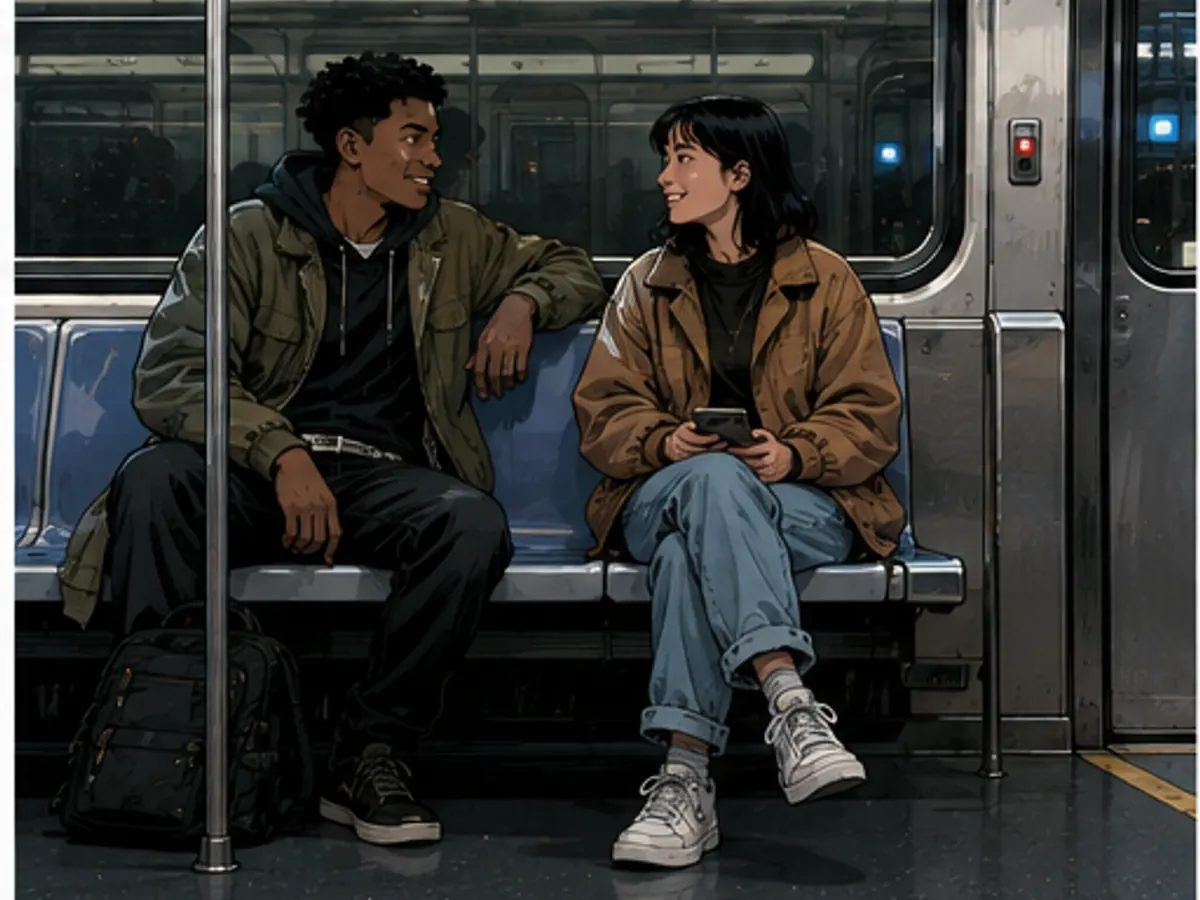
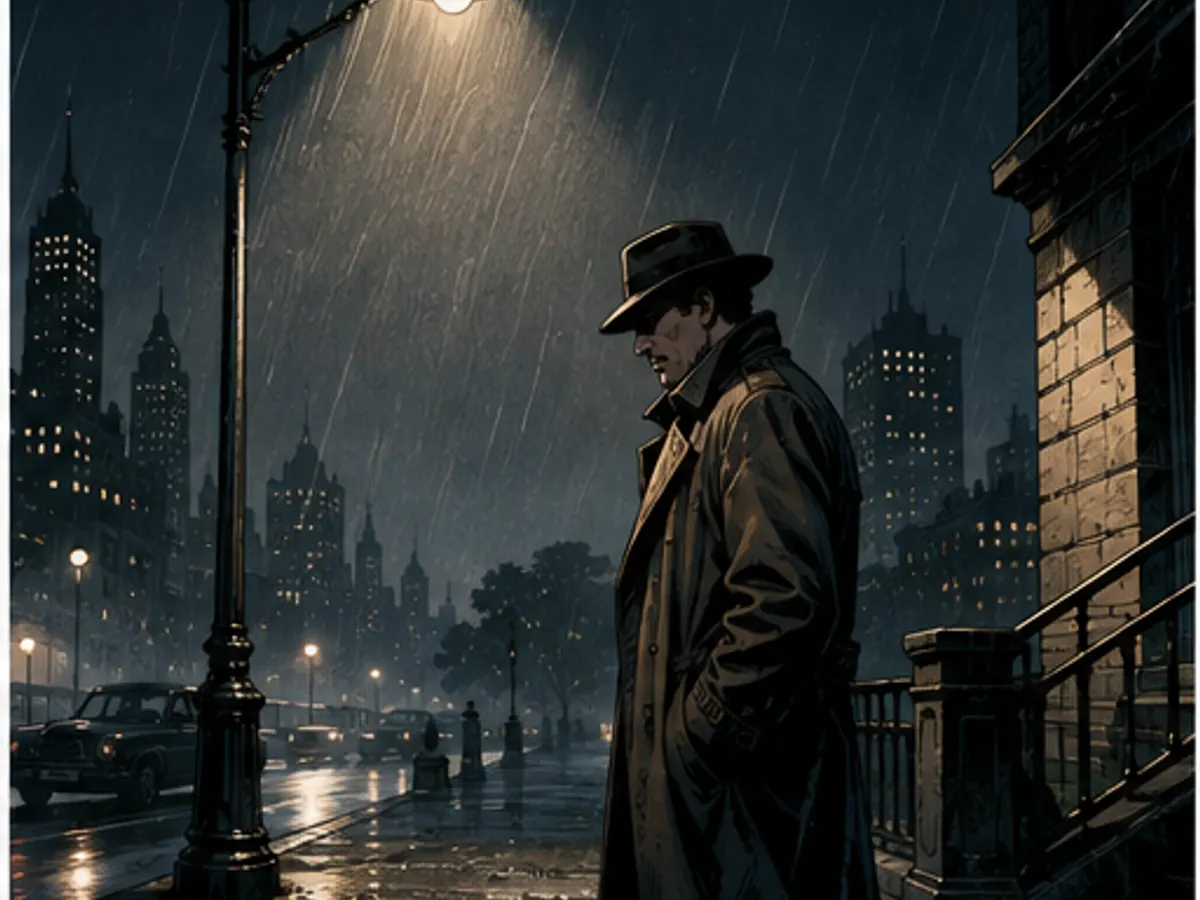
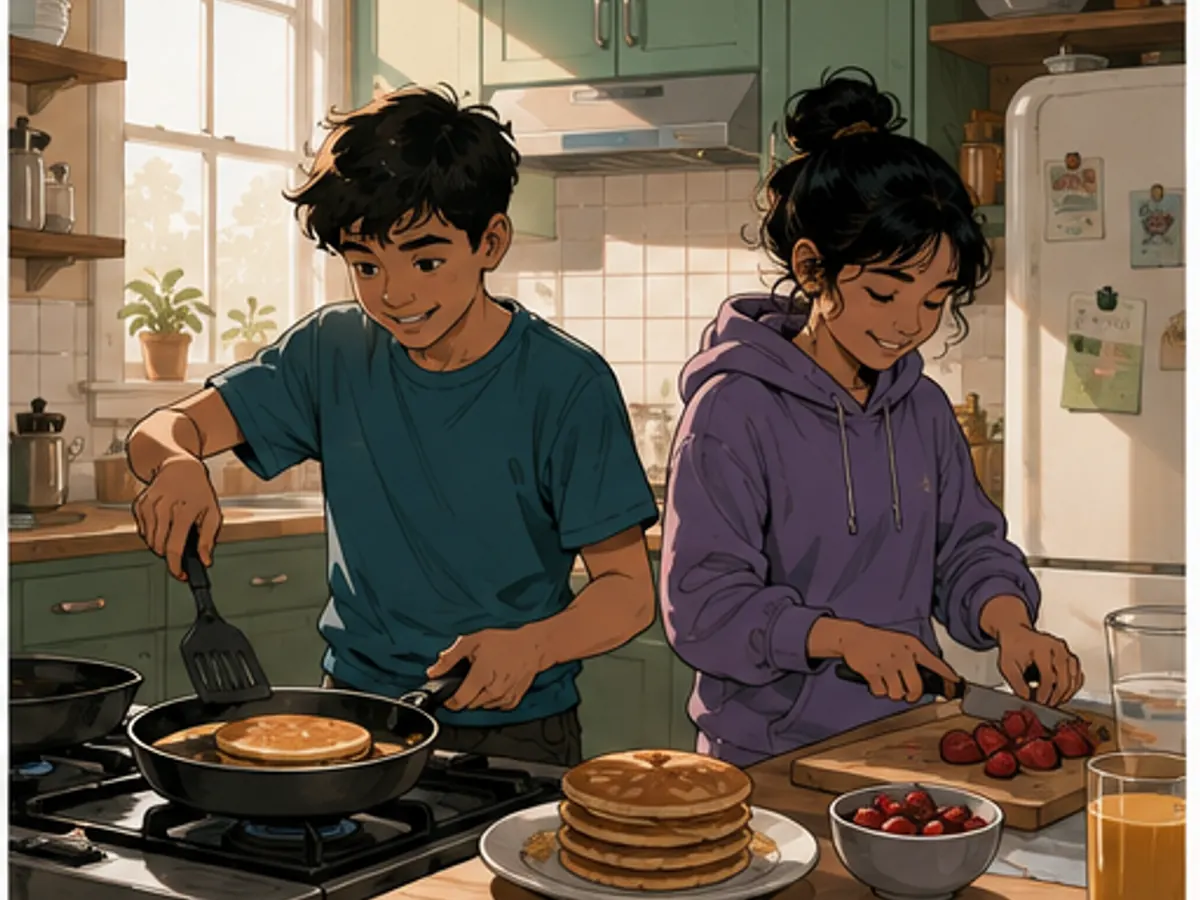
Six original language-neutral scenes made for this page. Empty composition space is intentional so lettering can be placed around faces and actions instead of over them.
See exactly what stays under your control. Customer quotes will appear here only when we have permission to publish them.
ComicWave keeps the lettered comic plan, generated panels and lettering as separate stages. You can review the structure before drawing and replace one weak result without discarding accepted work.
The visual examples on this page are original concept illustrations made for this topic. They are not customer work, benchmark results or a promise that every generated output will match them.
Comic lettering software helps place dialogue, captions, sound effects and balloon shapes on comic art. A useful tool keeps the words editable instead of baking them into the illustration.
Yes. ComicWave stores lettering above the panel art as editable objects, so you can change the copy, placement or tail without generating the scene again.
Use ordinary speech balloons most of the time. Thought, whisper and shout styles work best as occasional signals when the story genuinely needs a different voice or volume.
Reserve negative space while composing the panel, place the first line early in the reading path, and point the tail clearly. If the art leaves no room, shorten the line or revise the crop.
Yes. Because the dialogue is live text, each locale can have its own wording and placement. Translated lines still need visual review because their length and line breaks change.
ComicWave can export sharp page lettering, but you should still confirm page dimensions, safe margins, fonts and final preflight requirements with your printer.
Same category, the next step in the workflow, and something to read.